
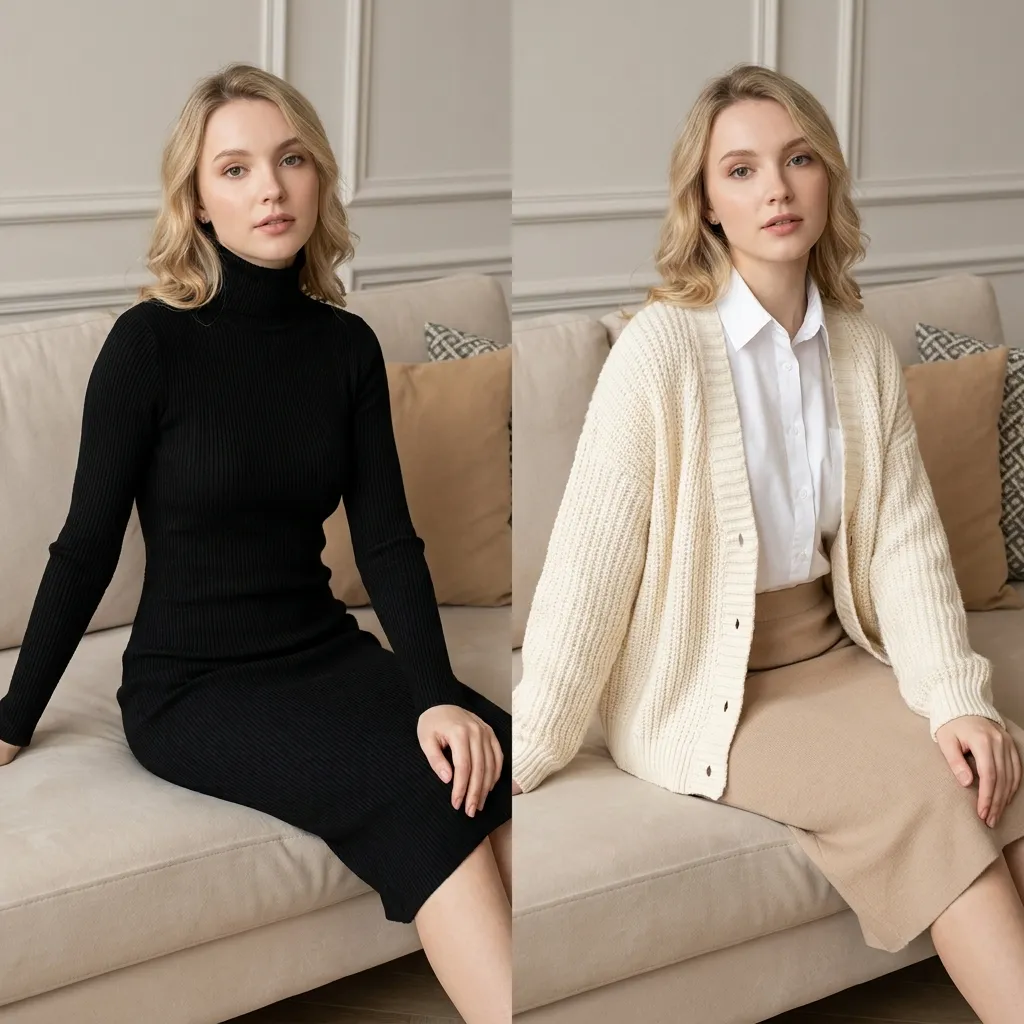
Outfits That Match the Body
Proportions and fabric lighting follow your subject so the swap reads as one photograph, not a collage pasted together in an editor.
Upload a photo, pick an outfit, and run a free AI clothes swap—results in seconds in your browser.
Images leave your device only when you start a job. Processing runs on Crun.
Saved results stay in this browser only and clear after 24 hours.
Nothing saved yet—your outfit swaps will show up here.
Whether you are restyling a selfie, testing catalog looks on one model frame, or sharing a before-and-after online, GetFaceSwap keeps the full AI clothes swap flow in one tab. Preset wardrobes and custom garment uploads both work; results land in the preview panel for download when you are ready. An AI clothes swap here replaces the whole outfit while keeping face, pose, and background—useful for sellers, creators, and anyone who wants a believable wardrobe change without a reshoot. The same site also hosts photo, GIF, and video face tools if you need identity edits alongside outfit work.
GetFaceSwap runs as a free online AI clothes changer: open the page, add your photo, pick clothes, and generate. No install or design skills required, and nothing to configure before your first render. Need a face change instead? Use our photo face swap in the same studio family when identity matters more than wardrobe.
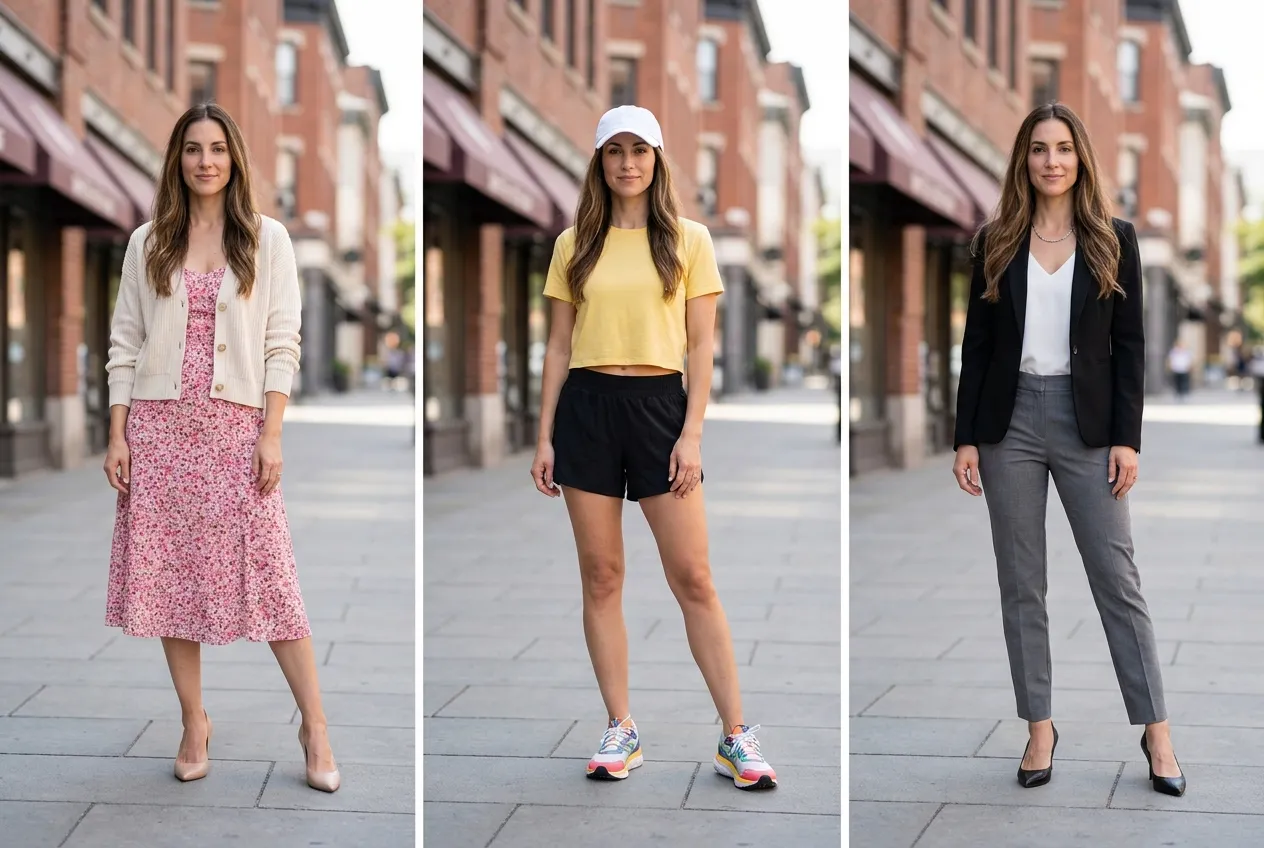
Piecemeal edits often clash—mismatched shoes, odd hemlines, or lighting that no longer matches the scene. GetFaceSwap rebuilds top, bottom, shoes, and accessories together so everything follows the same body line, pose, and perspective in a single pass.
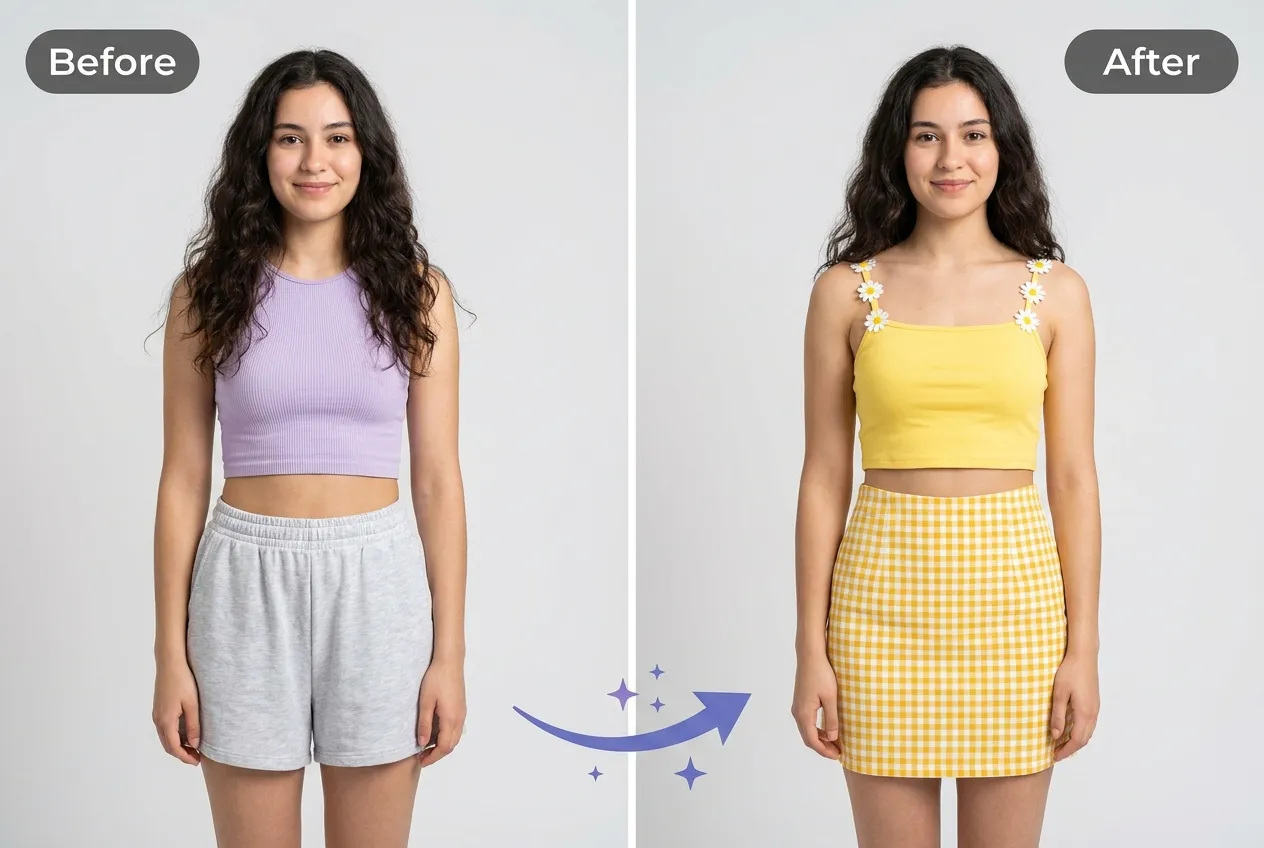
Believable swaps depend on light and silhouette. GetFaceSwap aligns shadows, folds, and drape with your shot so garments read as worn, not stickered on. That attention to contact points and fabric weight is what separates a quick filter from a result you would actually post.
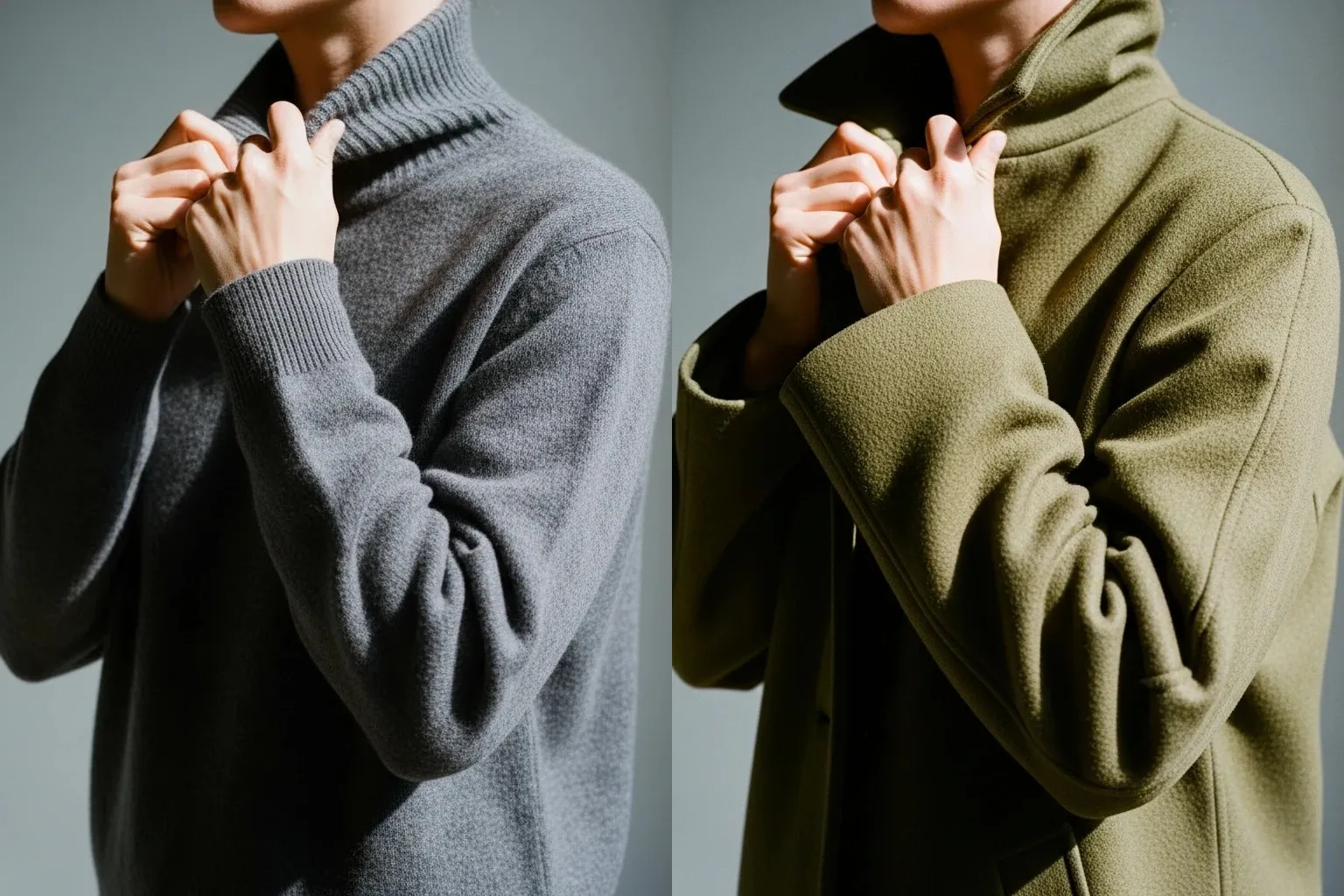
Only wardrobe pixels change. Expression, framing, and background from your original upload carry through to the finished image, which makes the output feel like the same moment—just in different clothes.
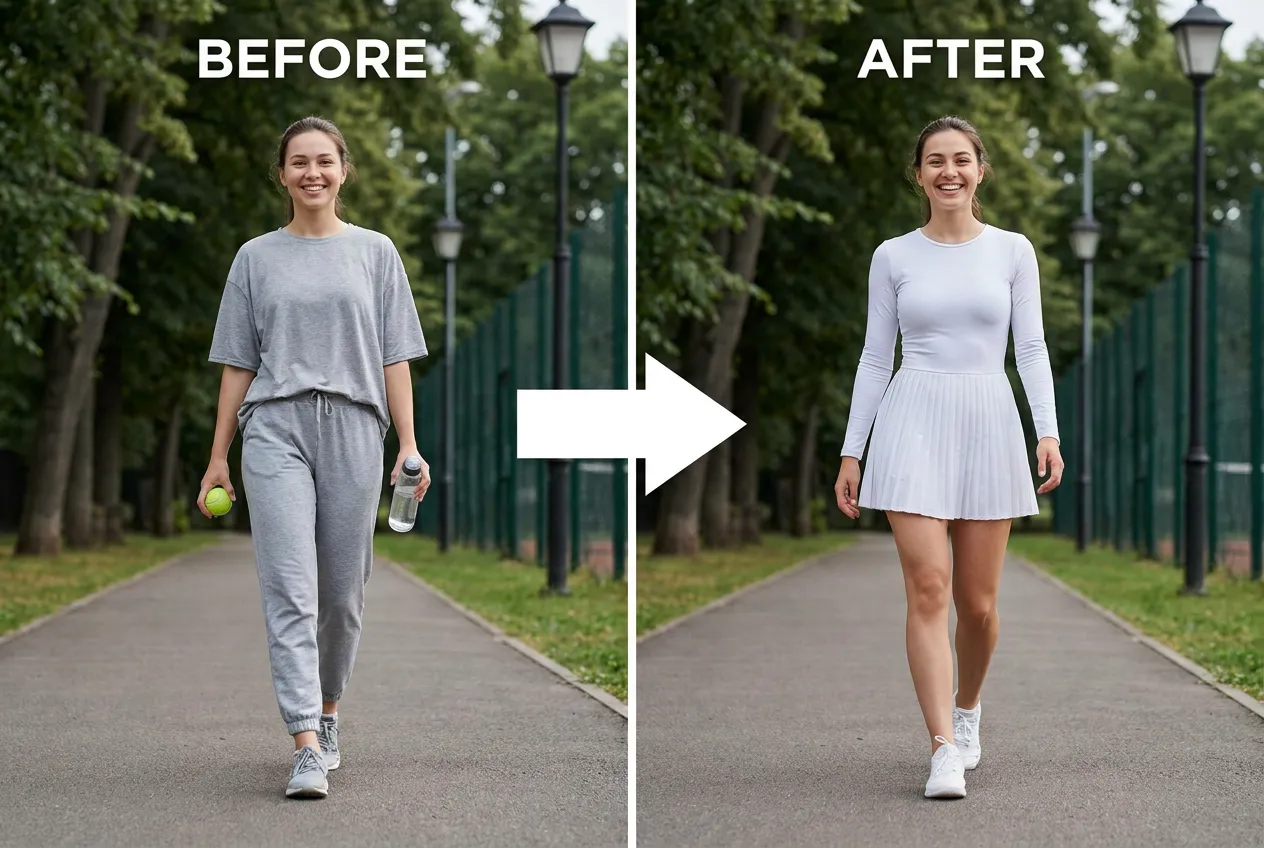
Detection, fitting, and render happen in one workflow instead of a manual mask-and-paste loop. You get a sharp file back with identity and environment unchanged, usually within seconds on a typical connection, ready to save or share.
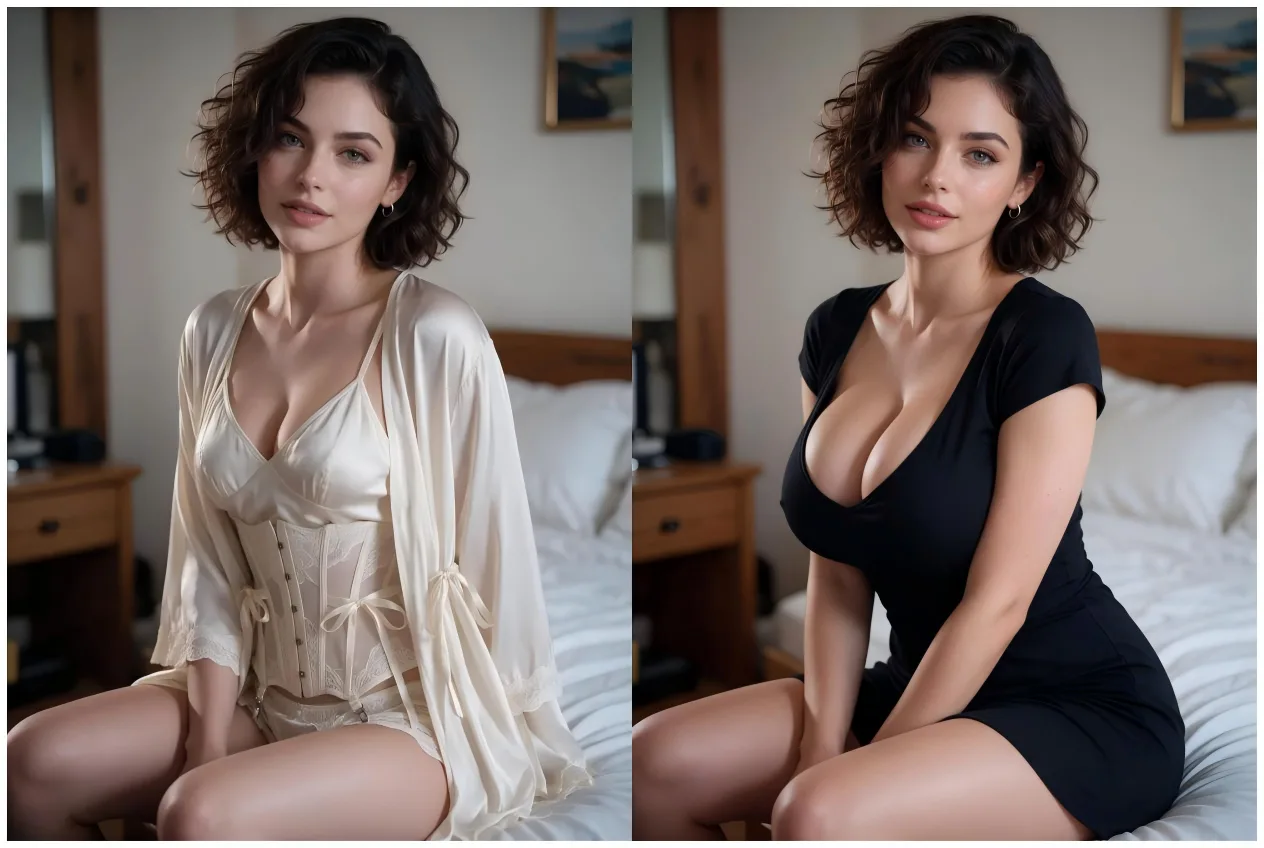
A focused AI clothes swap tool with clear limits, sensible defaults, and processing you can trace. You always know what uploaded, what generated, and where to pick up if a job needs another look.
Proportions and fabric lighting follow your subject so the swap reads as one photograph, not a collage pasted together in an editor.
Upload, pick clothes, download. The workspace stays minimal on phone and desktop so you spend time choosing looks, not learning controls.
Try outfit replacement without installing software or creating an account first—open the page and start with your daily free allowance.
We process files to produce your image; we do not resell or repurpose your photos for unrelated training or marketing.
From raw photo to new wardrobe in three short steps inside GetFaceSwap. Each step maps directly to a control in the workspace above, so you never hunt through nested menus.
Use a single-person image with the current outfit visible. Front-on framing and even light produce the cleanest edge around sleeves, collars, and hems.
Select a preset look or supply a garment reference image you want on the body. Flat-lays and plain backgrounds parse most reliably when you upload your own piece.
Start the job, review the preview, then download the finished photo at full quality. Recent results also appear in My Creation for quick comparisons during the same session.
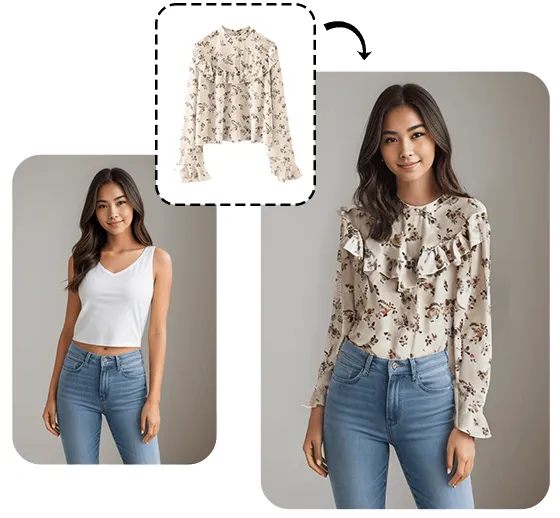
Every AI clothes swap on GetFaceSwap reads the person in your frame, then paints a new wardrobe that respects pose and lighting. The model is not simply overlaying a flat texture—it estimates how cloth should fall on that specific body.
Sharper inputs and visible outfits give the model more signal to work with, which is why full-body shots outperform tight crops for outfit replacement.
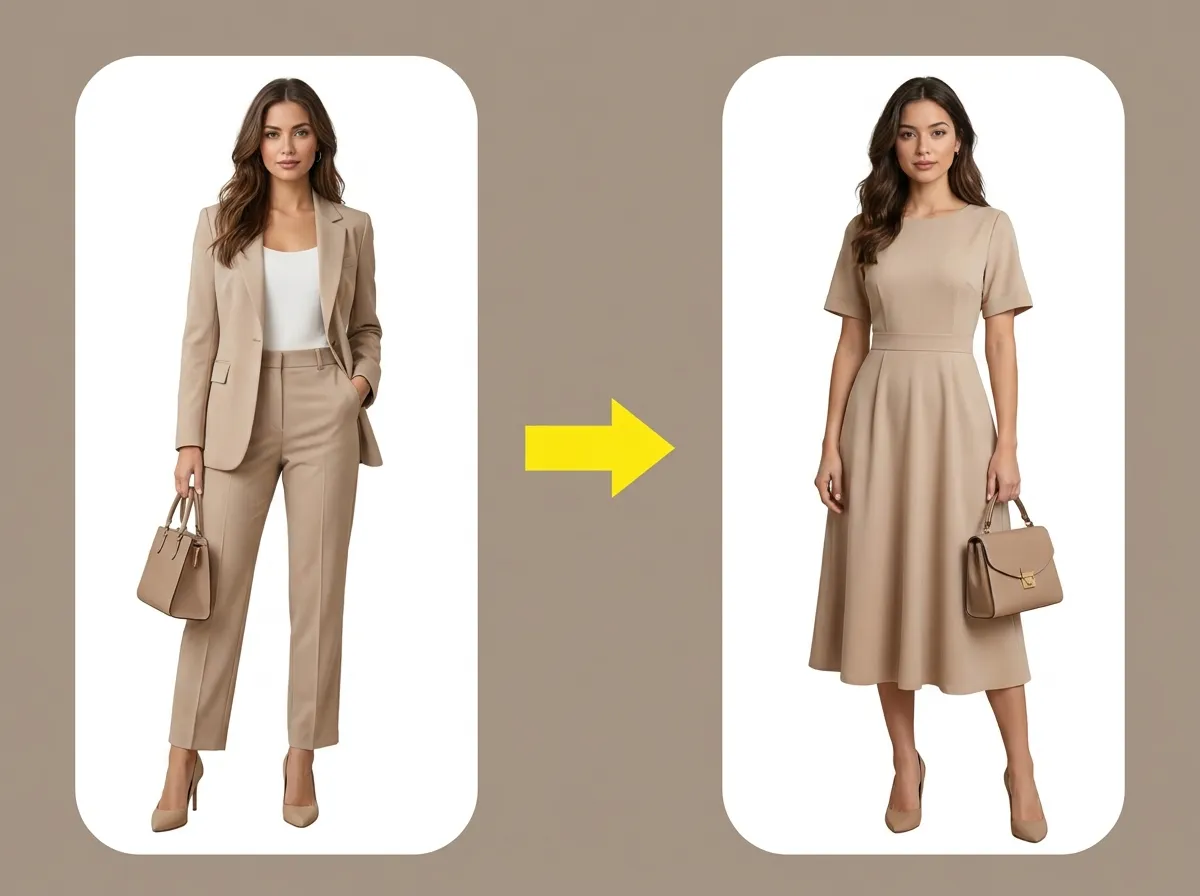
Small changes to your source files often improve an AI clothes swap more than rerunning the same shot ten times. Start with these four habits before you chase presets.
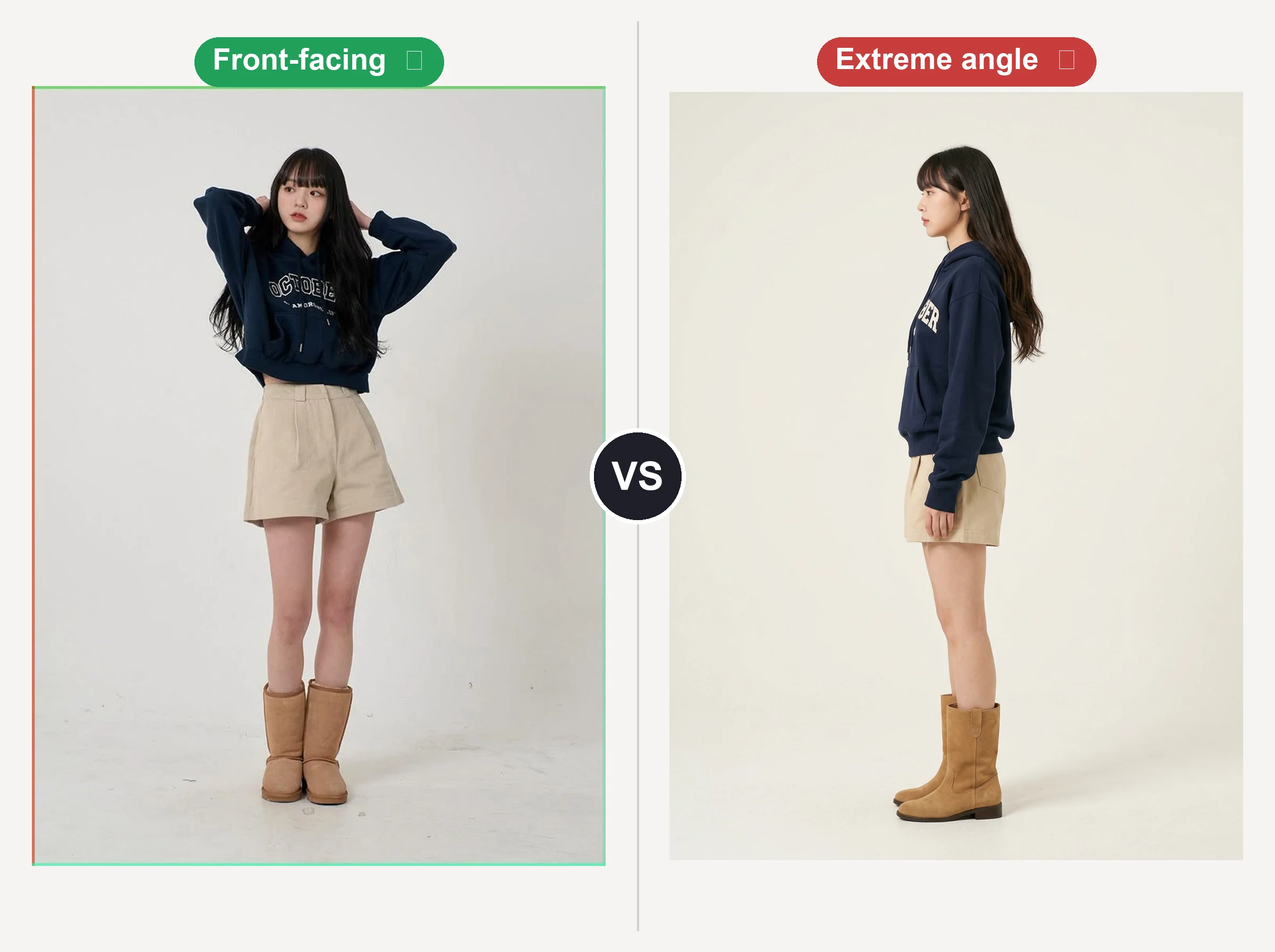
One subject, entire outfit in frame, minimal motion blur. Leave a little margin around the feet and head so hems are not clipped.
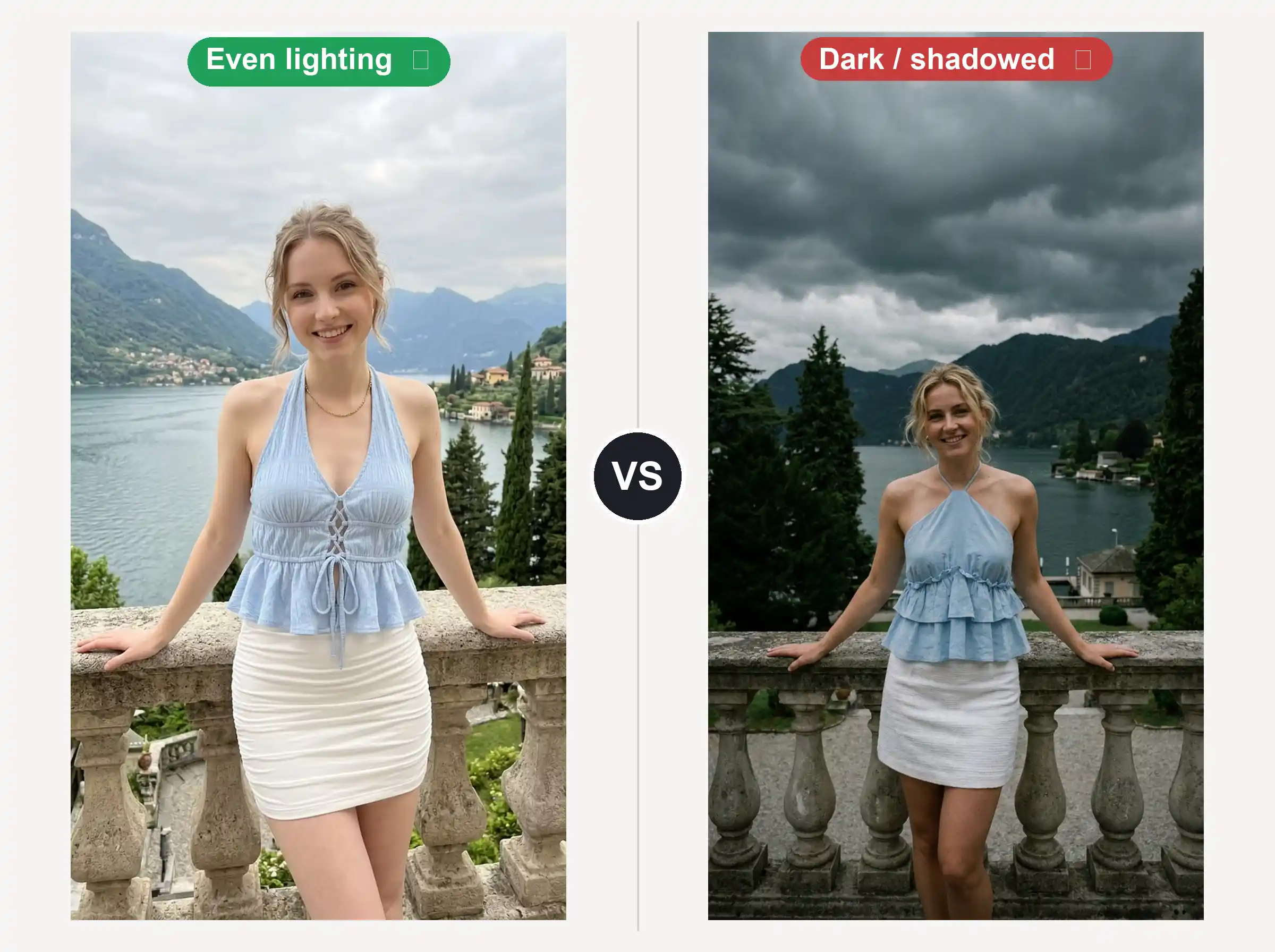
Soft daylight or studio evenness helps the model match sheen and shadow instead of guessing in heavy contrast.
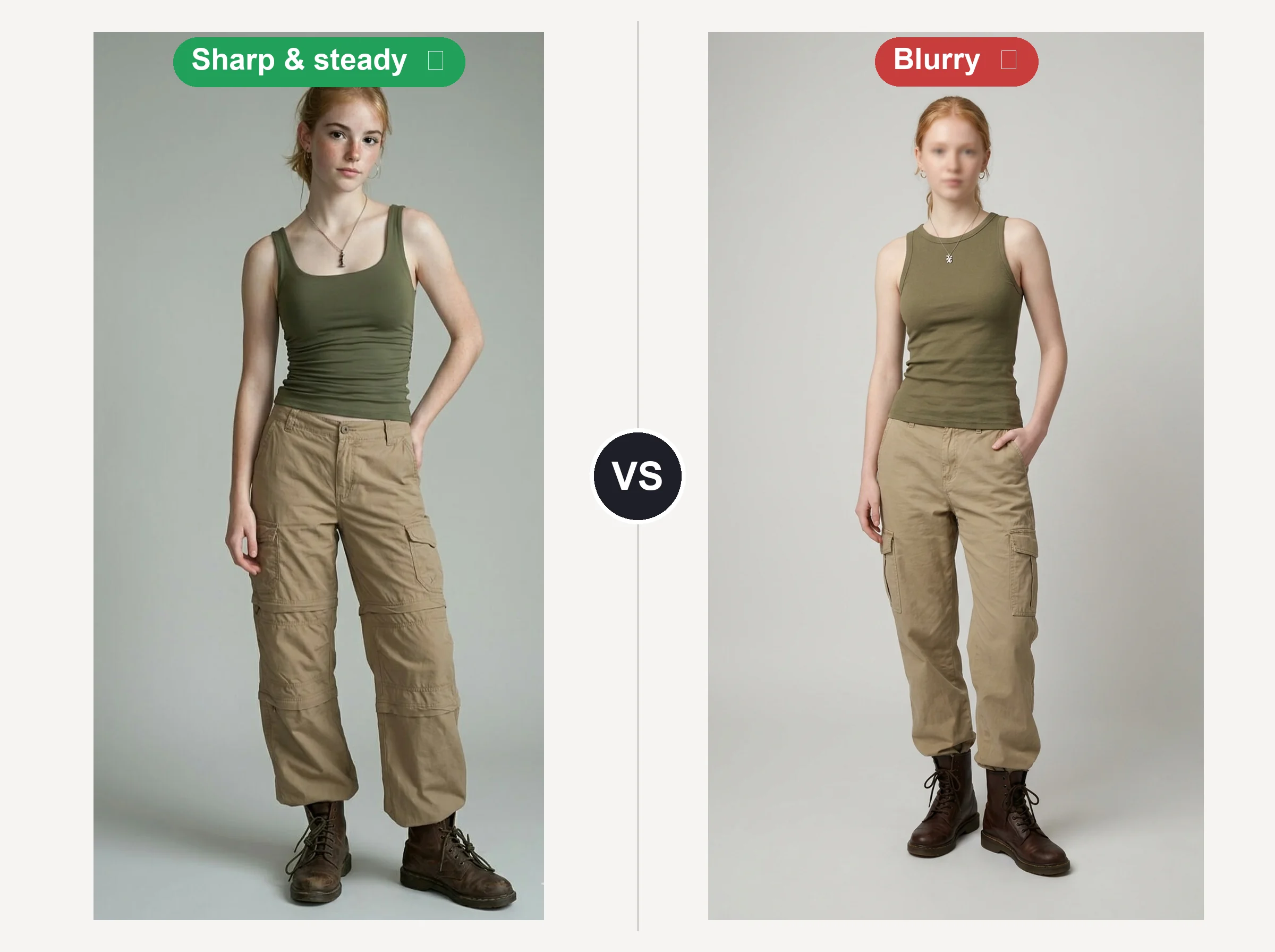
Straight poses reduce guesswork at sleeves, waist, and hems where perspective distortion is hardest to fix automatically.
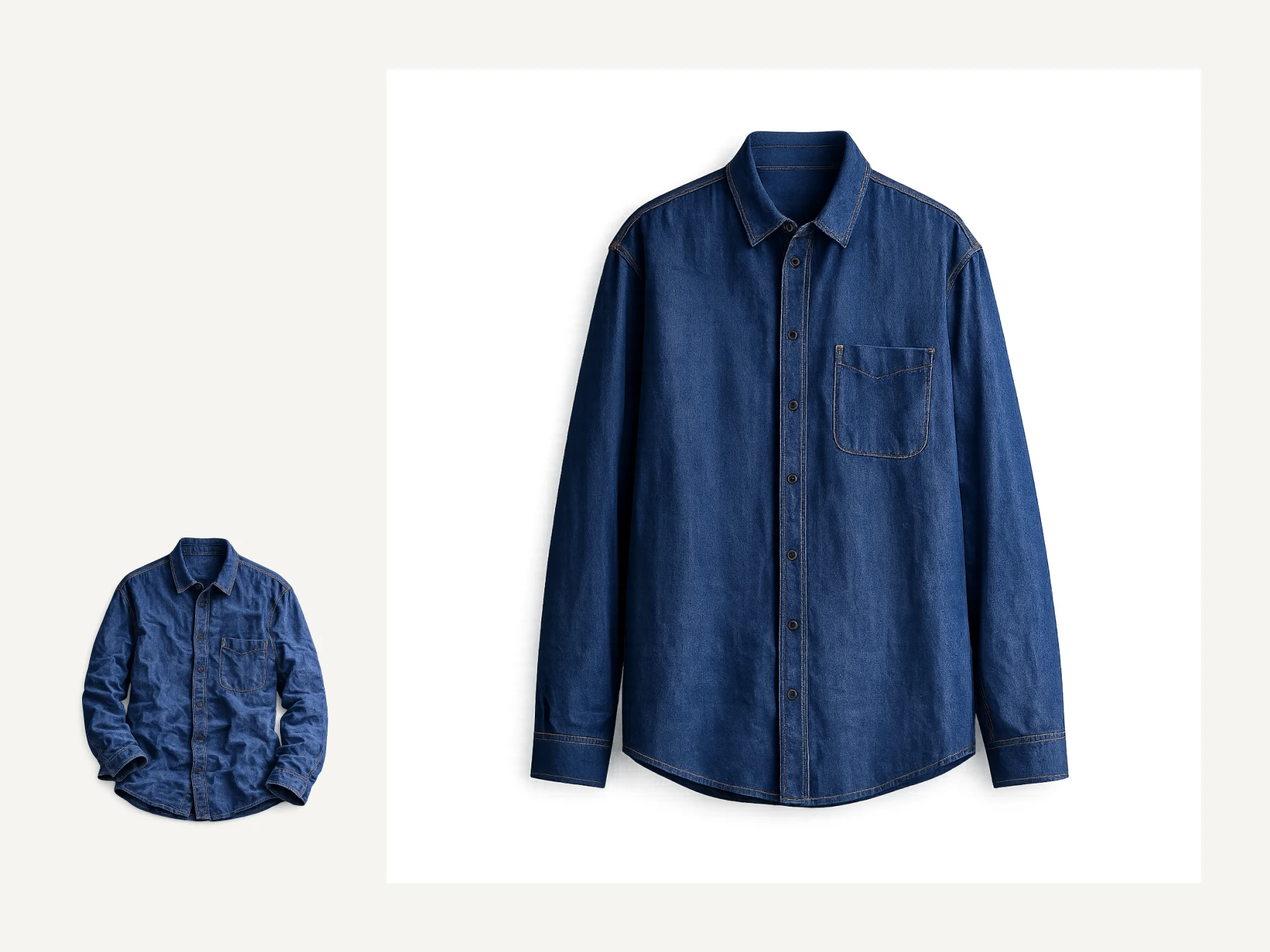
Isolate the piece on white or neutral tone so cut, texture, and color read clearly without background bleed.
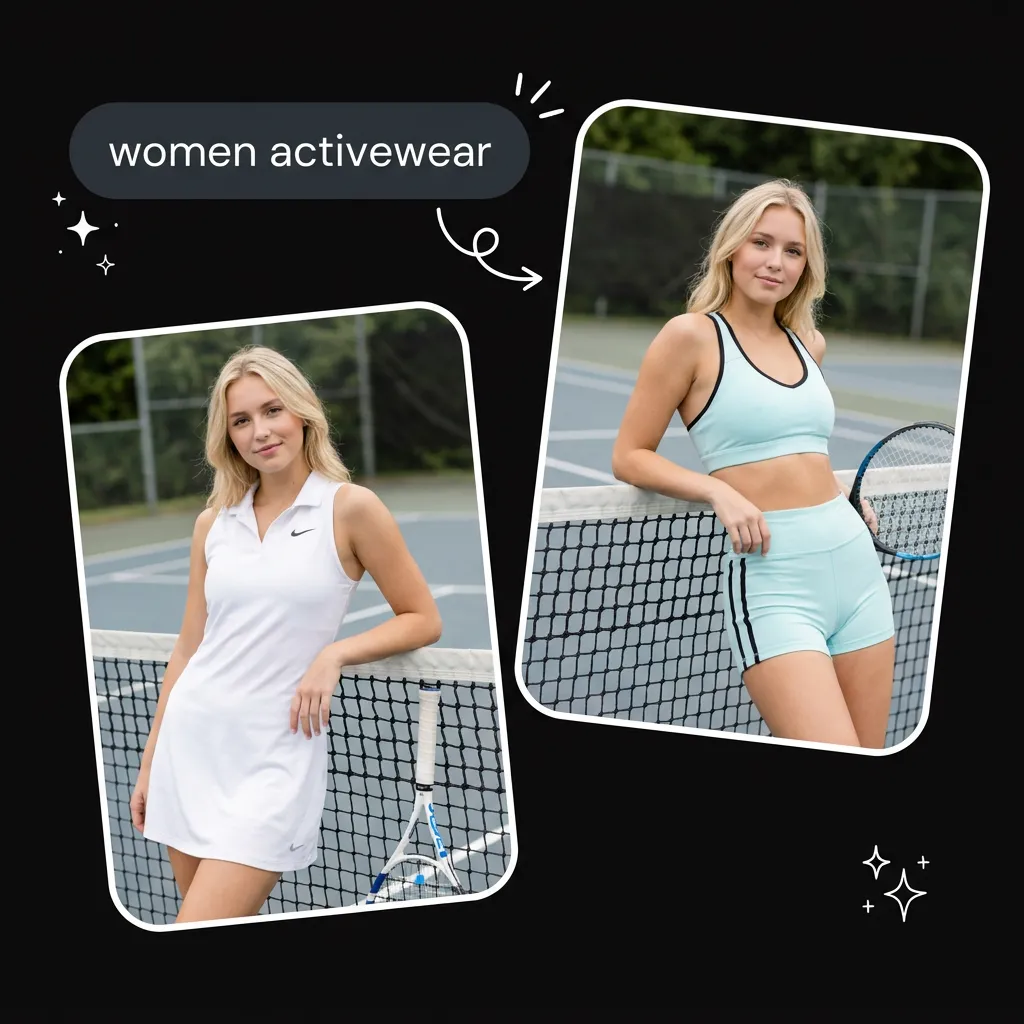
See a full outfit on your own photo before checkout, especially when sizing charts feel abstract.
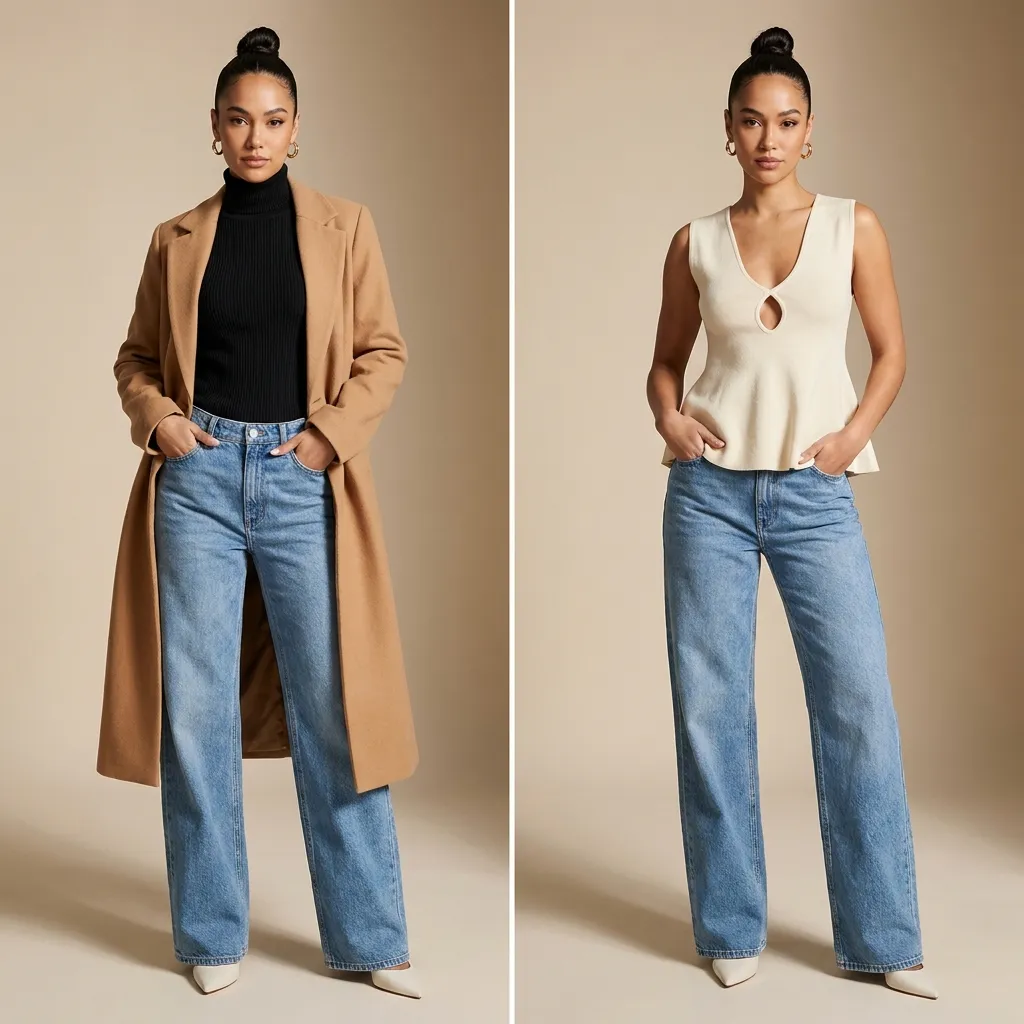
Layer different looks on one base image for consistent listings across marketplaces and social shops.
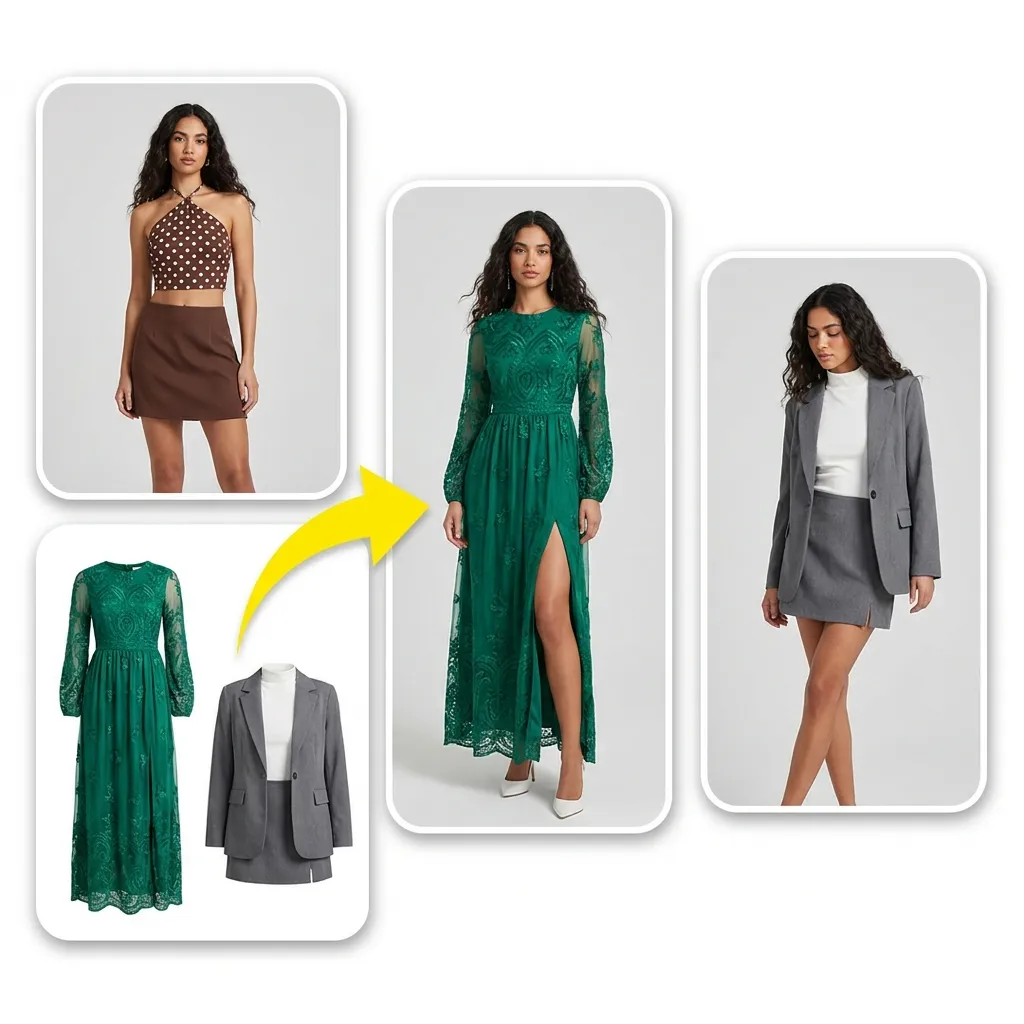
Change wardrobe in an existing picture instead of booking another session when the pose and lighting already work.
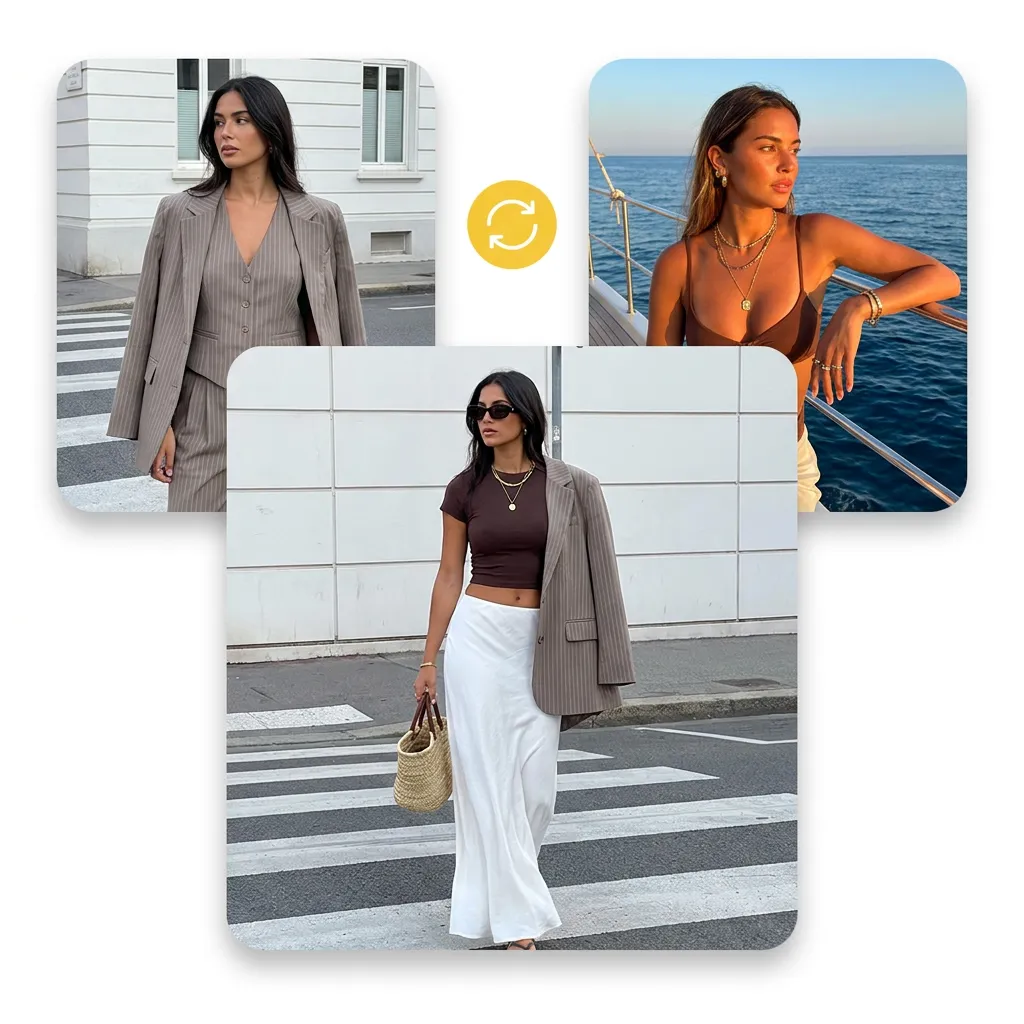
Test pairings on the same body shot to spot clashes early before you buy duplicate staples.
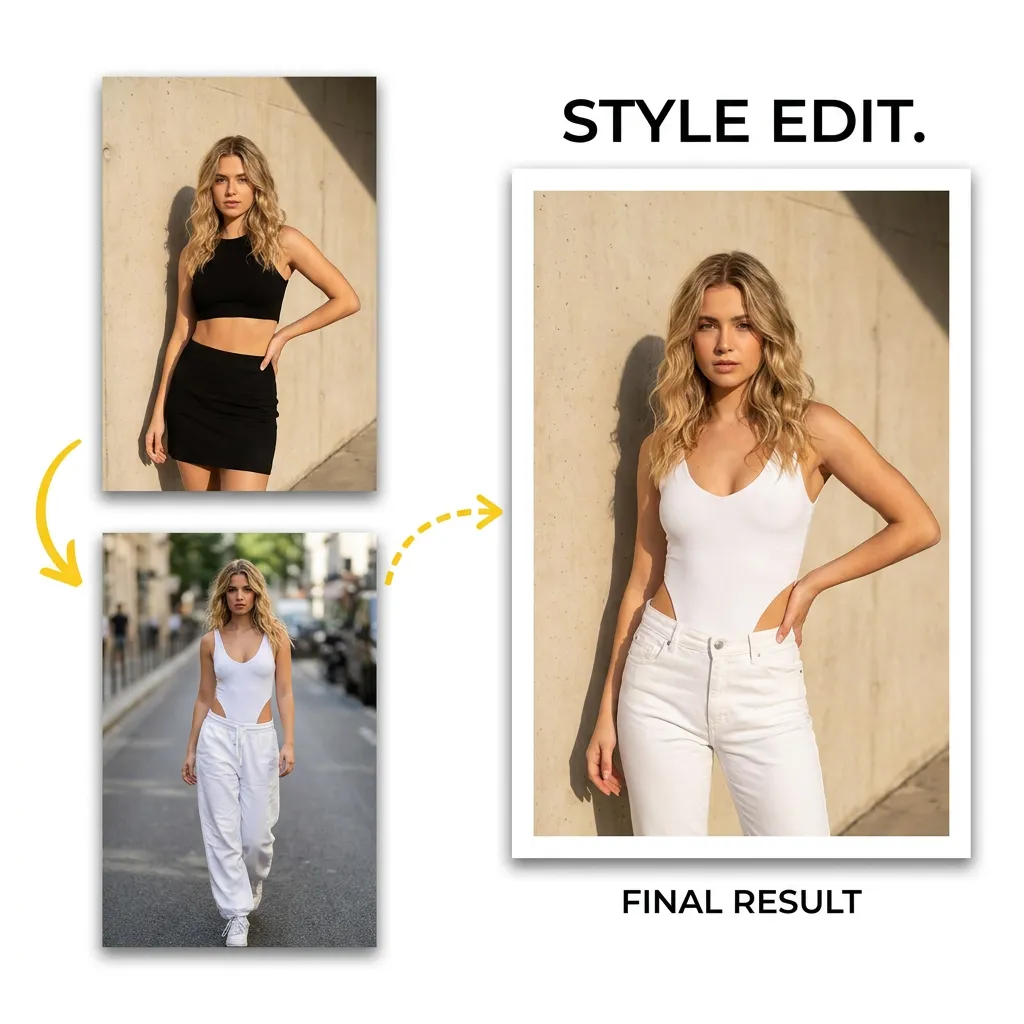
Drop suits or dresses onto your portrait ahead of weddings, interviews, or on-camera appearances.
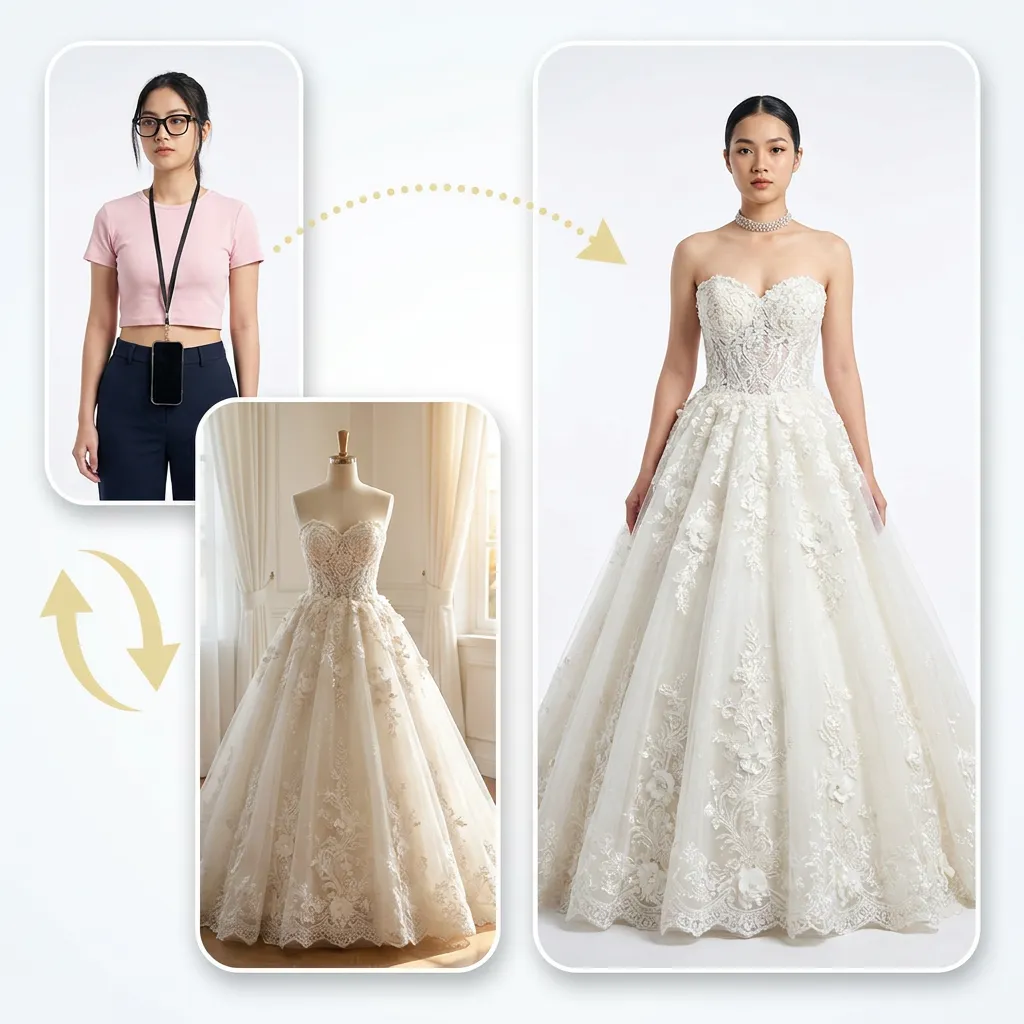
Iterate full looks on one model frame for creative reviews with stakeholders who think in visuals.
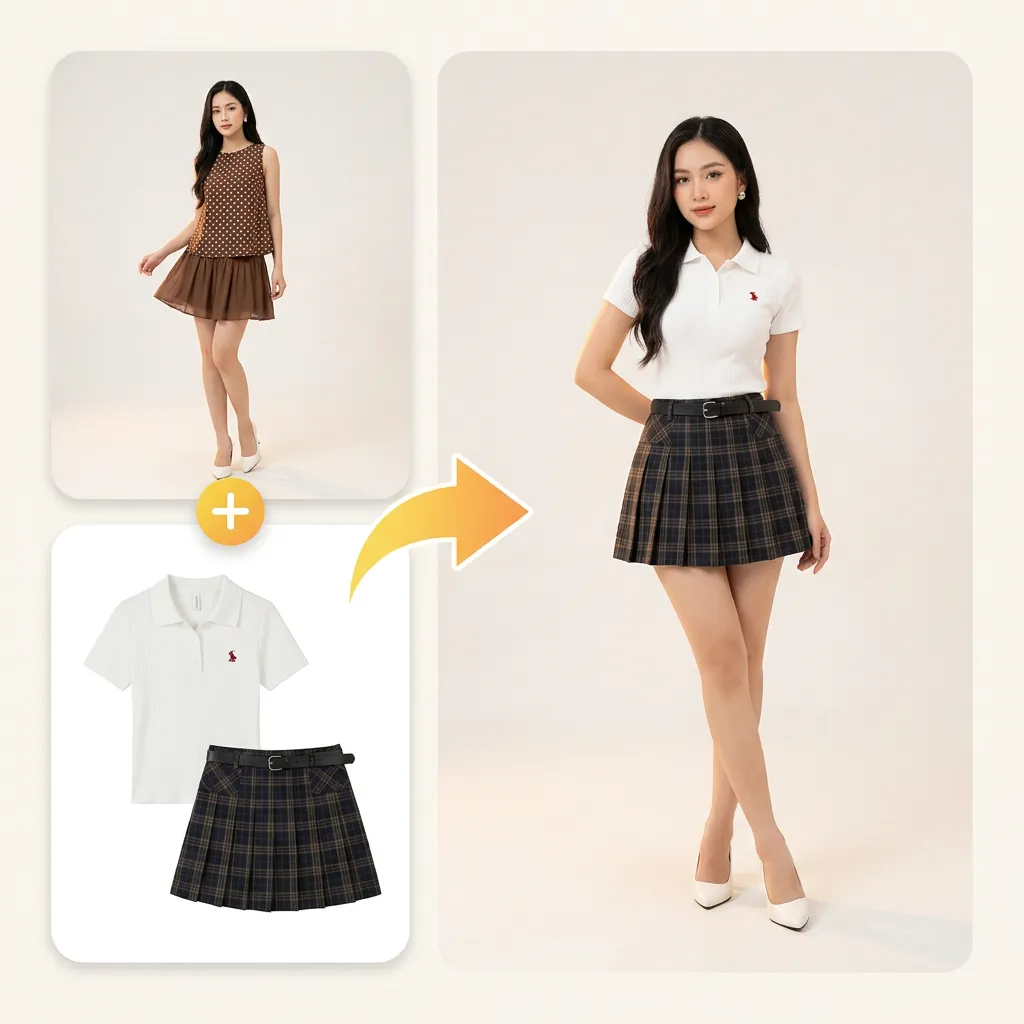
Experiment with complete outfits before buying materials or committing to a build timeline.
Feedback from sellers, shoppers, and editors who swap outfits in-browser. Names are illustrative composites of common workflows we hear about in support mail.

One hero shot, dozens of listings—I change the full outfit and keep lighting identical.

Top-to-shoe swaps line up on the same body, so my before/after posts need almost no touch-up.
Seeing the dress on my photo answered fit questions faster than size charts alone.
Did it on mobile: upload, tap a preset, download—under a minute.

I restyle archived posts; faces and locations stay untouched.

Swapped a blazer onto a casual headshot for LinkedIn without a second photoshoot.
It is an automated outfit replacement: you supply a person photo and a clothing reference, and GetFaceSwap generates a new look while keeping pose and background.
Quality depends on your source, but each AI clothes swap targets matching folds, light, and body shape. Crisp, well-lit photos swap most convincingly; heavy blur or cropped limbs are harder to fix.
Yes—use presets or upload a garment shot; plain backgrounds work best. PNG cut-outs and white-back product photos are ideal references.
No. Only clothing is edited; face and scene remain from your upload unless you edit the file elsewhere afterward.
Most jobs finish within seconds after files are uploaded, though busy periods or very large sources can add a short wait.
Yes. The AI clothes swap tool runs in mobile and desktop browsers—no app store install. Use the same workspace links you would on a laptop.
Open the workspace above, add your photo, and see a new outfit in seconds—on GetFaceSwap’s free tier with clear daily limits.
Open the clothes swap tool