
▧01
Choose your scene
Choose a template or upload a photo, GIF or short video. Open the matching workspace and check the scene.
Create an AI face swap in a photo, GIF or video. Choose a ready-made template or upload your own scene, add a clear portrait, and download your finished result. Free to use, with no account required.
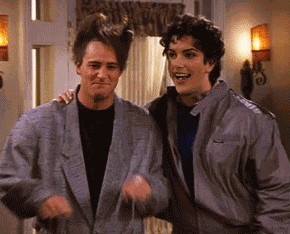
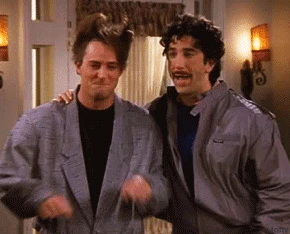 BeforeAfter
Choose a portrait, reaction GIF or short video. Open a template in its workspace and add your replacement face. Group GIFs and videos let you choose which people to change.
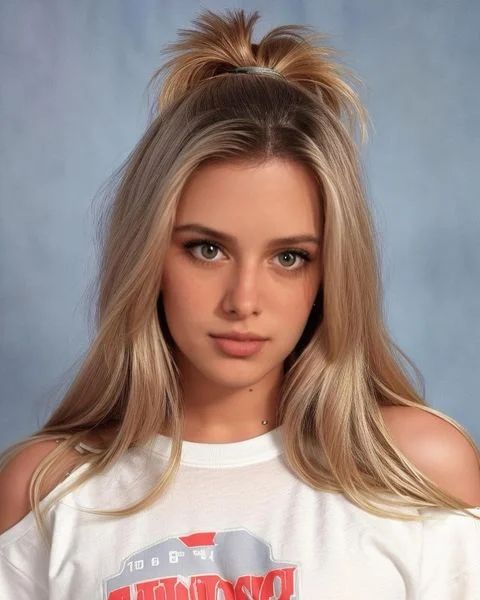
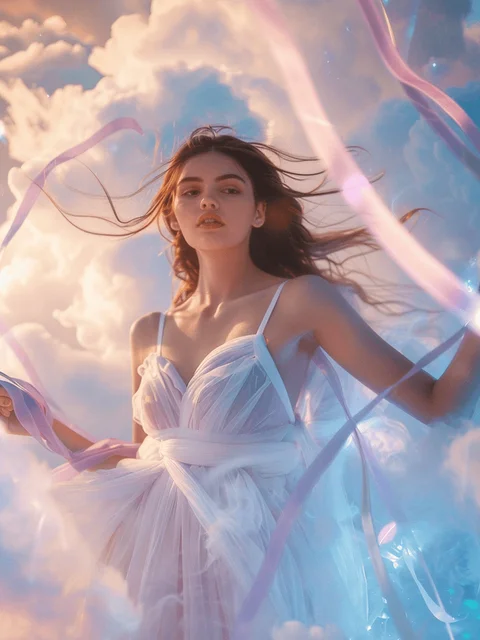
Start your photo edit with a portrait or a new scene.
 PHOTOUse template ↗
 PHOTOUse template ↗
 PHOTOUse template ↗
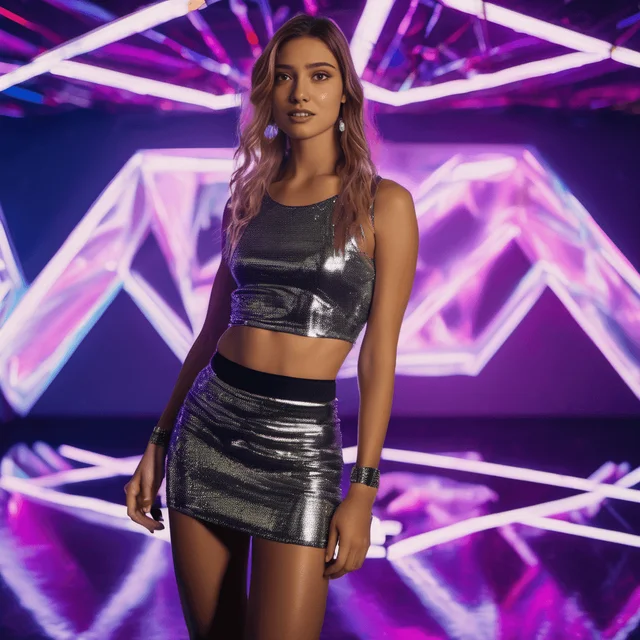 PHOTOUse template ↗
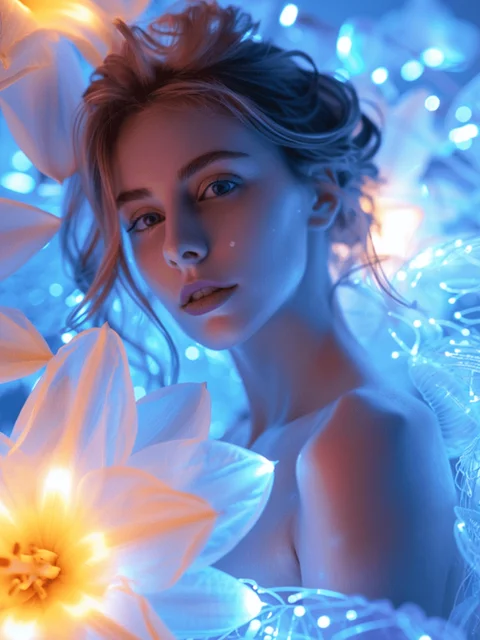 PHOTOUse template ↗
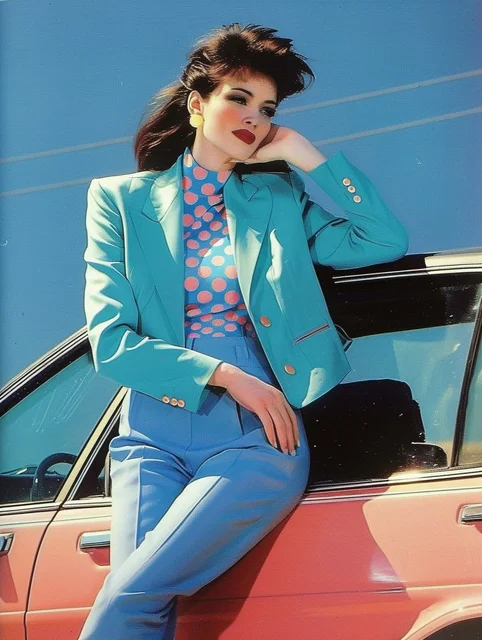 PHOTOUse template ↗
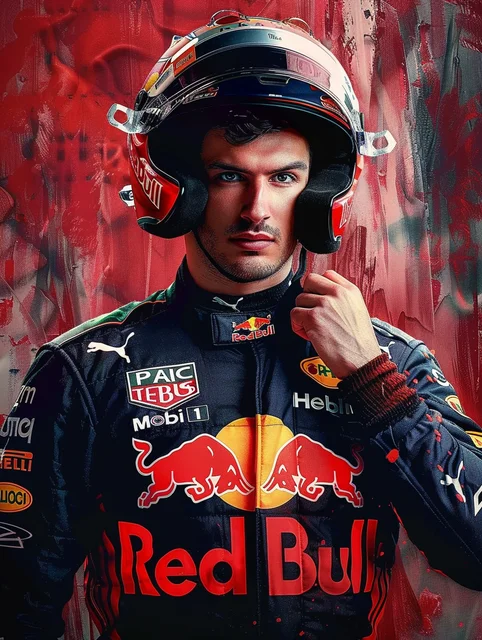 PHOTOUse template ↗
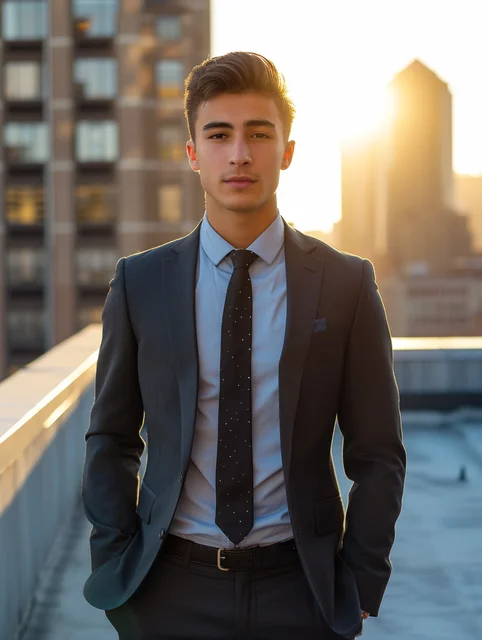 PHOTOUse template ↗
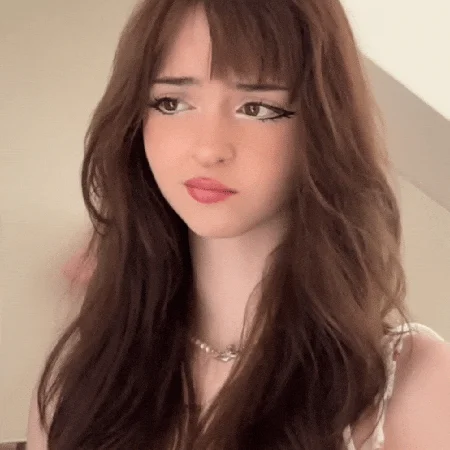
Choose a reaction GIF and make it your own.
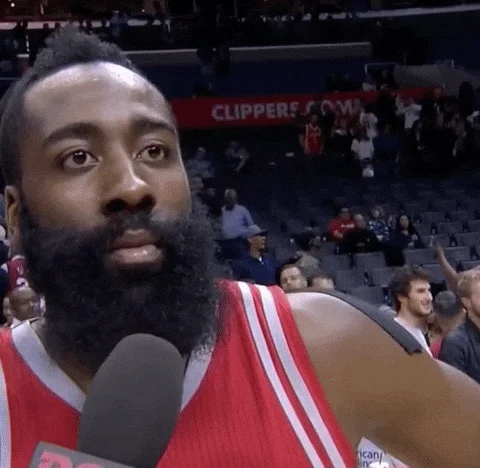 GIFUse template ↗
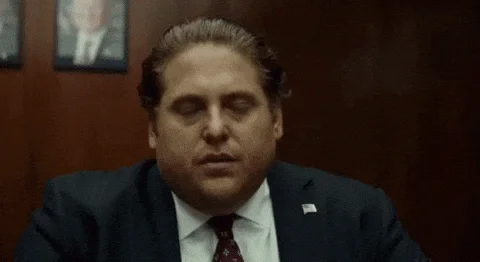 GIFUse template ↗
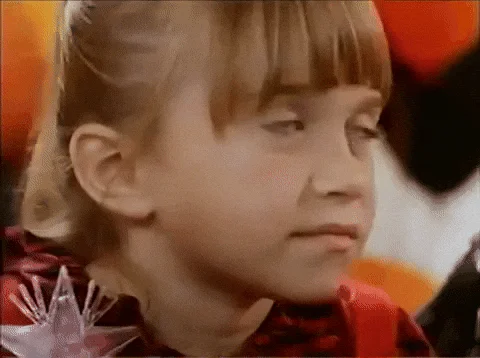 GIFUse template ↗
 GIFUse template ↗
 GIFUse template ↗
 GIFUse template ↗
 MULTIPLE FACESUse template ↗
 MULTIPLE FACESUse template ↗
Pick a short video and add your portrait.
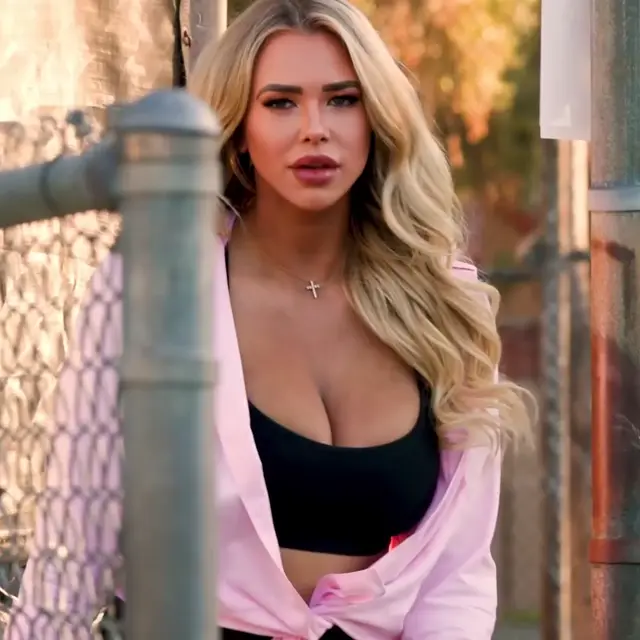 VIDEOUse template ↗
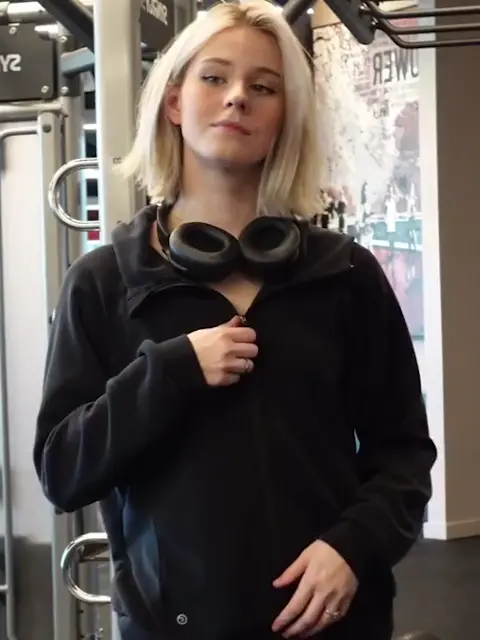 VIDEOUse template ↗
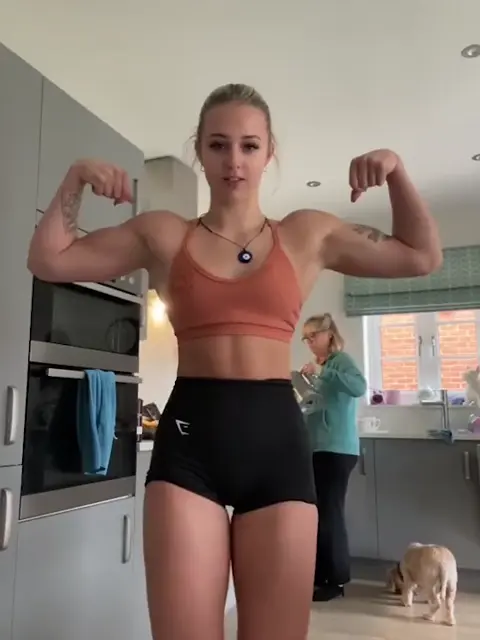 VIDEOUse template ↗
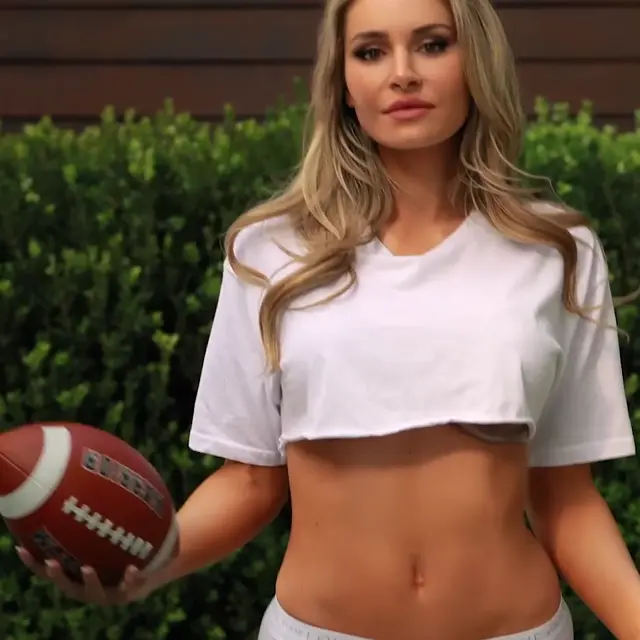 VIDEOUse template ↗
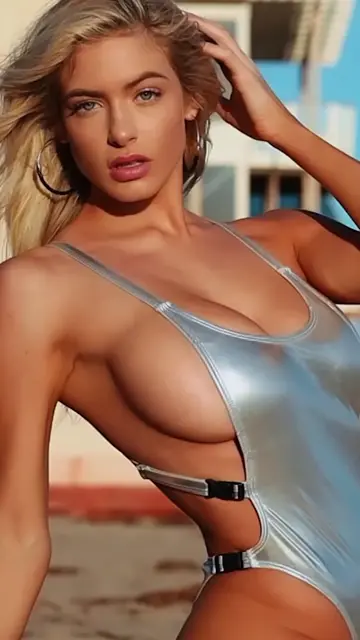 VIDEOUse template ↗
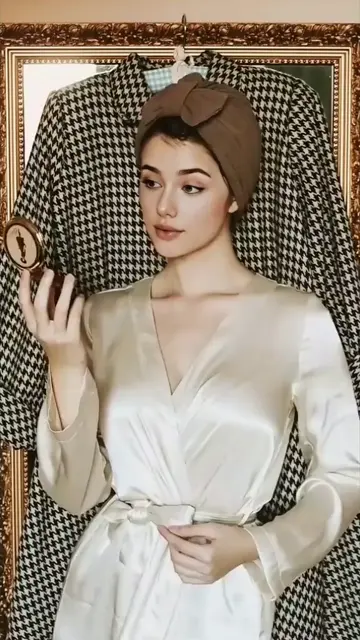 VIDEOUse template ↗
 MULTIPLE FACESUse template ↗
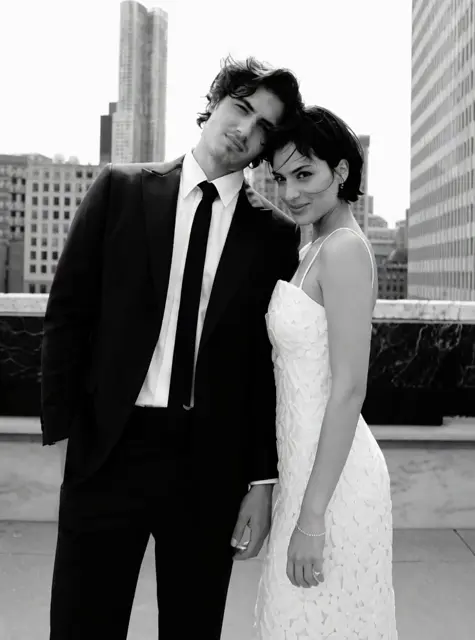 MULTIPLE FACESUse template ↗
Explore photo and GIF results, and find a video template for your next creation.
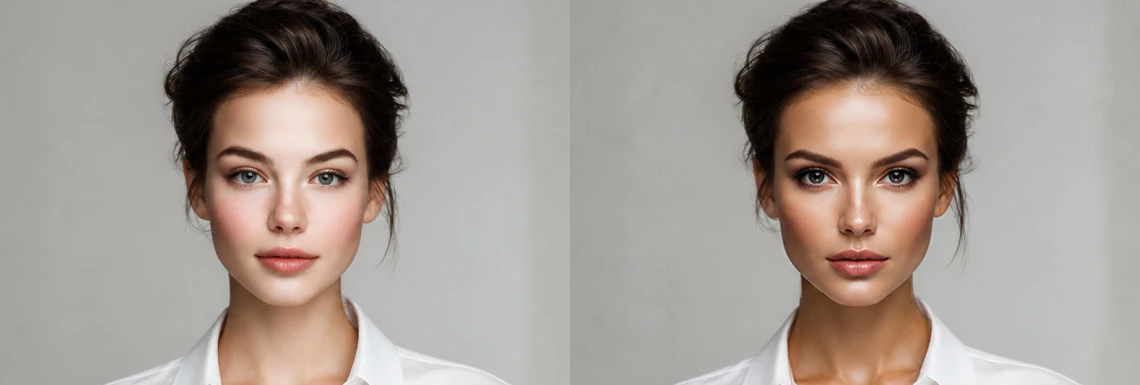
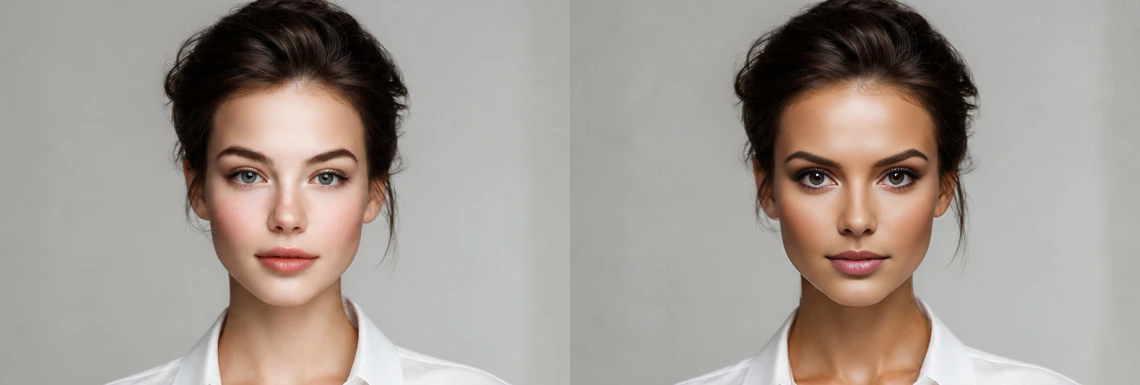
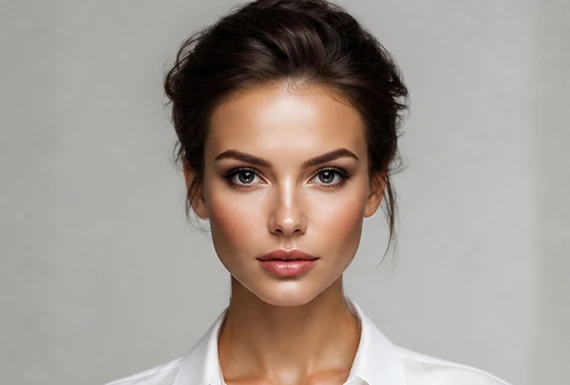 Replacement face
Use AI face swap to try a new portrait or a different scene. Choose a template or upload an image, then add your portrait. Your original supplies the scene, pose and clothing. Photo mode replaces one face.
Create a photo ↗Turn a familiar reaction into your own AI face swap GIF. Pick a template and add a portrait. Multiple faces lets you assign individual replacements. Review the full loop before sharing, especially when faces turn or become hidden.
Make a reaction GIF ↗Create an AI face swap video from a short clip or template. Trim your upload and apply the clip before adding portraits. Replace one face or select people in Multiple faces mode. Shorter clips may fit the processing allowance.
Create a video ↗Give each selected person their own replacement portrait. Unassigned faces stay as they are.
You choose the replacements.
Choose a template or upload a photo, GIF or short video. Open the matching workspace and check the scene.
Add a clear replacement portrait. In group GIFs and videos, choose which people to replace and leave other faces unchanged.
Generate, review the result and download it. If processing limits apply, try a smaller file or shorter clip.
The tools are free to use, with daily usage and per-job limits. Long or high-resolution clips may exceed the available allowance.
For a clearer result, choose a sharp portrait with even lighting and a similar head angle. Avoid sunglasses, heavy filters and faces hidden by hair or hands. Enlarging a tiny image cannot restore missing detail.
Choose the matching workspace: Photo accepts JPG, PNG and WebP up to 10 MB; GIF accepts animated GIFs up to 20 MB; Video accepts MP4 and WebM up to 25 MB, with optional trimming.
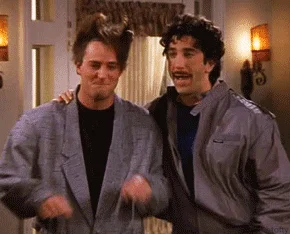
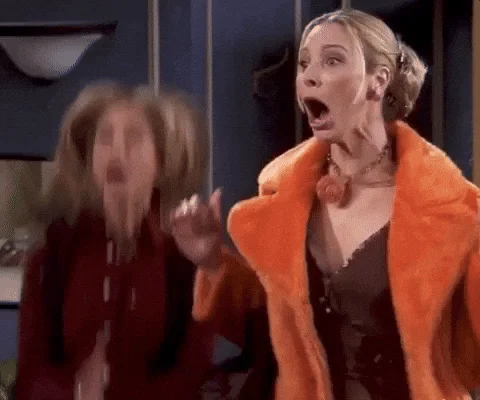
Individual face replacement is available for GIFs and videos. Choose a template or detect faces in your upload, then assign portraits only to people you want to change. Leave other people unchanged. Photo currently replaces one face.
Processing time depends on your file, clip length and the service queue. Follow progress in the workspace. If interrupted, return in the same browser tab and select Check job status.
After processing finishes, preview the result and download it from the workspace. Save files you want to keep; result links are temporary and the workspace is not a permanent media library.
Selecting files creates a local preview; starting generation uploads the required media. Face detection also uploads media to our processing provider. Read our privacy policy, and use images and likenesses you have permission to edit.
Ready to create your AI face swap? Start with a photo, or choose a GIF or video template and add your portrait.
Make your first face swap ↗Free · No account required · Daily limits apply





