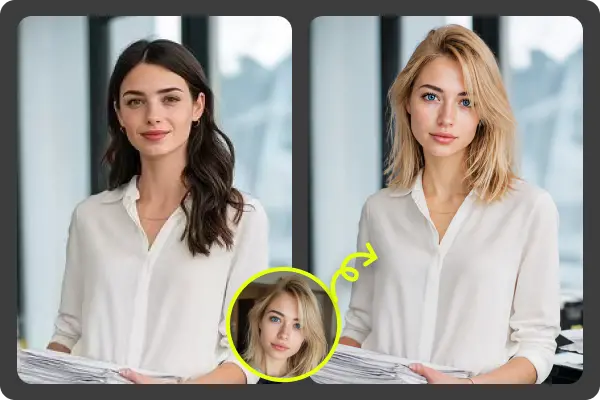
Start with a sharp image
Clear eyes and facial features give the model more detail to work with. Enlarging a blurry source cannot restore missing detail.
Try free face swap online with your portrait and a scene you love. Upload two photos or start with a template, then generate and download your result. Free to use, with no account required.
Choose a replacement for each person you want to change. Leave a slot empty to keep the original face.
AI processing by Crun.
Save your result before its temporary link expires.
AI-edited media. Please label it when sharing could be misleading.
Choose a scene, then add your face. Your replacement stays selected.

The free trial does not need an account. Sign in to buy credits.
Use the same email if you already have an account.
By continuing, you agree to our Terms and Privacy Policy.
With this photo editor, the original sets the scene and a second portrait supplies the new face. Drag the comparison to explore the example. The background, clothing and pose come from the original; choose a scene you already like.
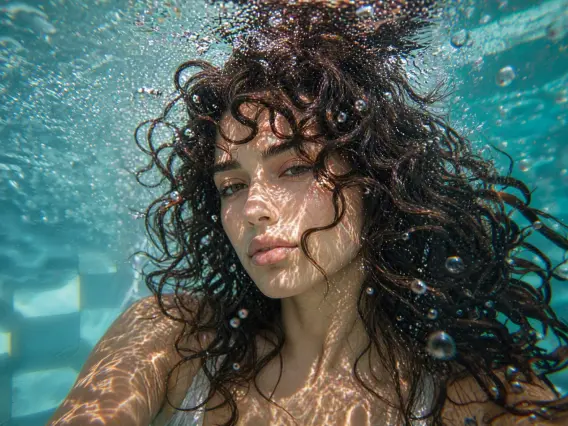
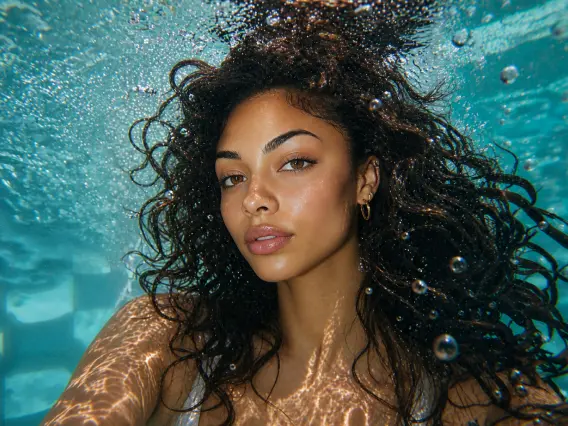 AfterBefore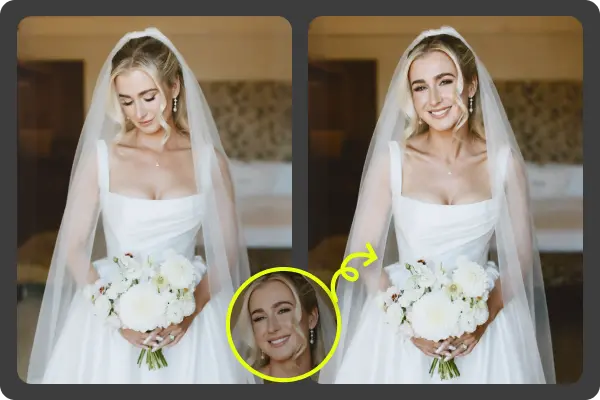
Use photo face swap to try a different portrait in a wedding or celebration photo. Choose a clear single-person scene, then add a photo with the expression you prefer. Similar angles and lighting give the model a better starting point.
Start photo face swap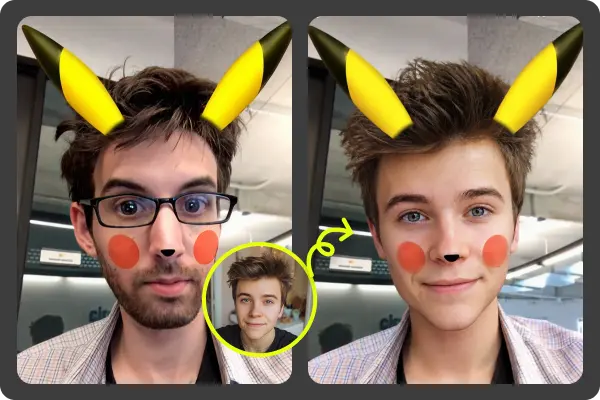
Explore portrait editing with a friend in a costume or character portrait. The original photo supplies the setting; your replacement photo supplies the face. Start with one clearly visible person for a simple first swap.
Start photo face swap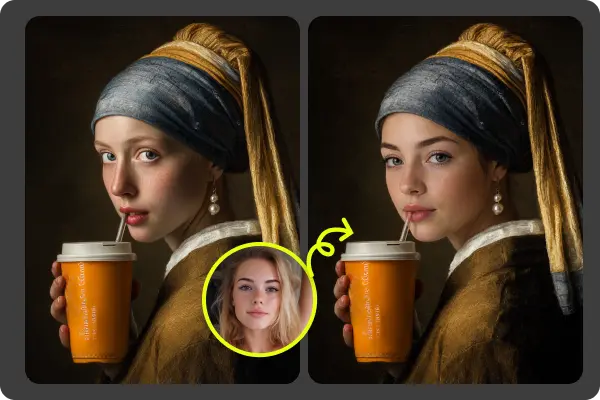
Turn a reaction image or an imaginative scene into a personal photo edit. Pick a template below the studio or upload your own original, add a portrait, and review the result before sharing it with friends.
Start photo face swap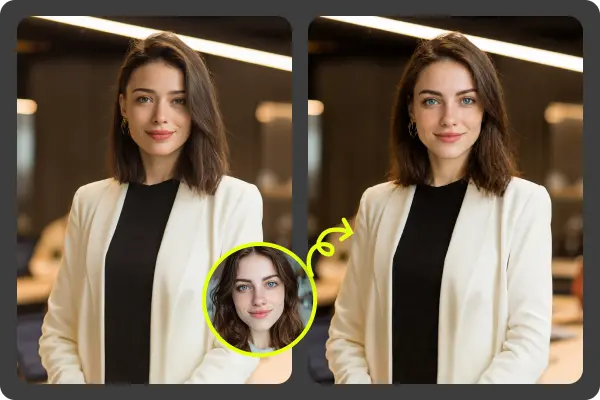
See how a face fits a new outfit, backdrop or studio setting. A sharp portrait with even light is a useful starting point. Check the eyes, hairline and skin tones in the finished image before using it as a profile photo.
Start photo face swap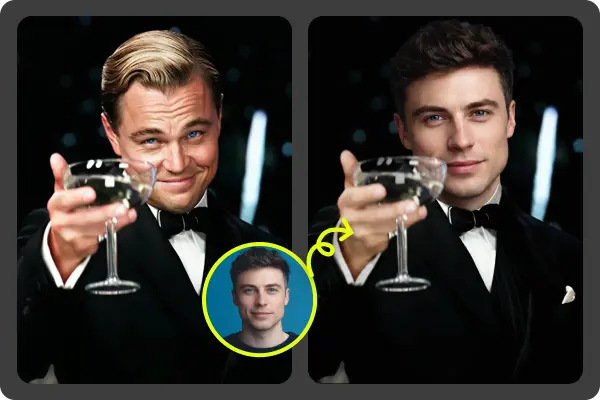
Try a film-inspired outfit or dramatic scene with a portrait of your choice. Match the face angle to the original as closely as you can. Create a playful character study, then compare the edited face with the scene around it.
Start photo face swapChoose two photos and make the edit in one workspace.
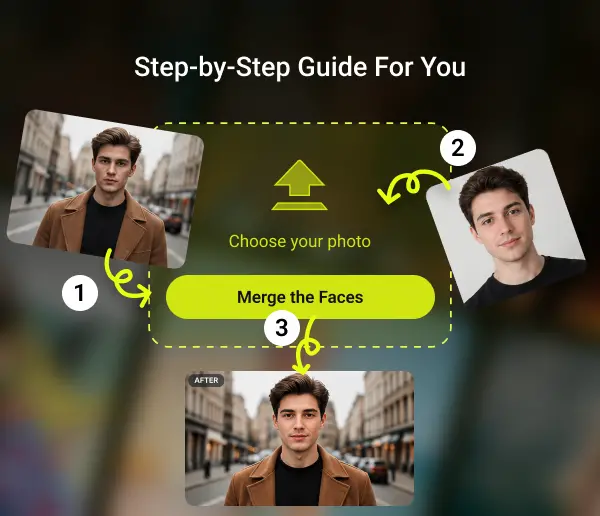
Upload the photo with the scene, pose and clothing you want to keep, or choose a template.
Choose one clear portrait. JPG, PNG and WebP files are supported, up to 10 MB each.
Once both photos are ready, start processing. Progress and the result appear in the workspace.
Switch between Original and Result, check the details, then save the finished photo.
A good pair of inputs matters as much as the edit. Here is what to look for.
Clear eyes and facial features give the model more detail to work with. Enlarging a blurry source cannot restore missing detail.
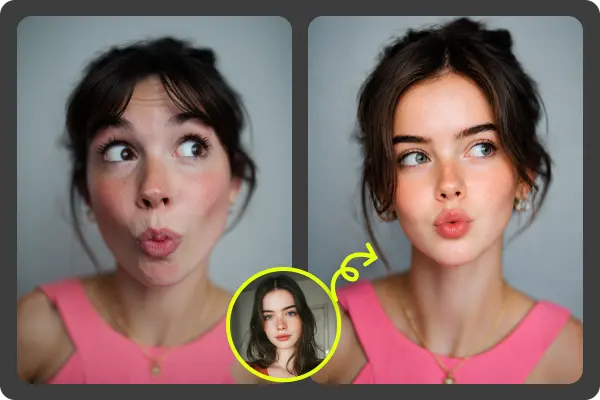
Choose similar face angles, then inspect the smile, eyes and mouth in the output. Strong profile angles and covered faces are harder to blend.
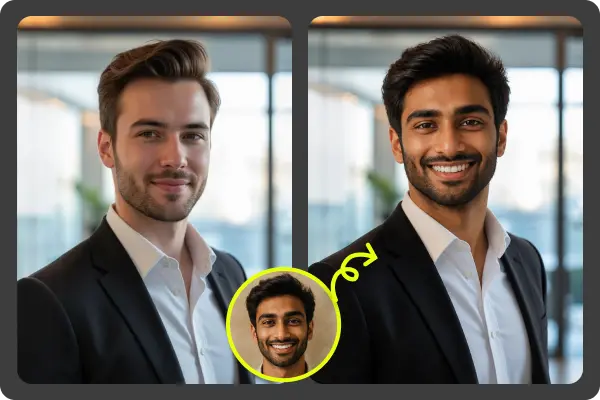
Look at skin tone, shadows, the jaw and hairline. Compare with the original to decide whether the result fits the scene.
Bring your original and a portrait, or start with a template.
Yes. Choose an original photo and a replacement portrait, then select Generate. A result preview and download link appear after processing succeeds.
Photo mode replaces one face. Choose a scene with one clearly visible person. For individual replacements in a group animation or clip, use the GIF or video workspace and select Multiple faces.
Choose a JPG, PNG or WebP file up to 10 MB for each panel. Use a clear portrait and a scene you have permission to edit.
Selection alone stays local. Generate uploads the required media to Crun through our server. Removing a local preview does not delete a submitted cloud job.
Yes. The layout adapts to a mobile screen and opens your device’s file picker. Image decoding and available memory still depend on your browser.
Try a sharper portrait with an angle and lighting closer to the original face. Avoid sunglasses, heavy filters and covered features. Review the eyes, mouth and jaw before downloading or sharing your edit.