
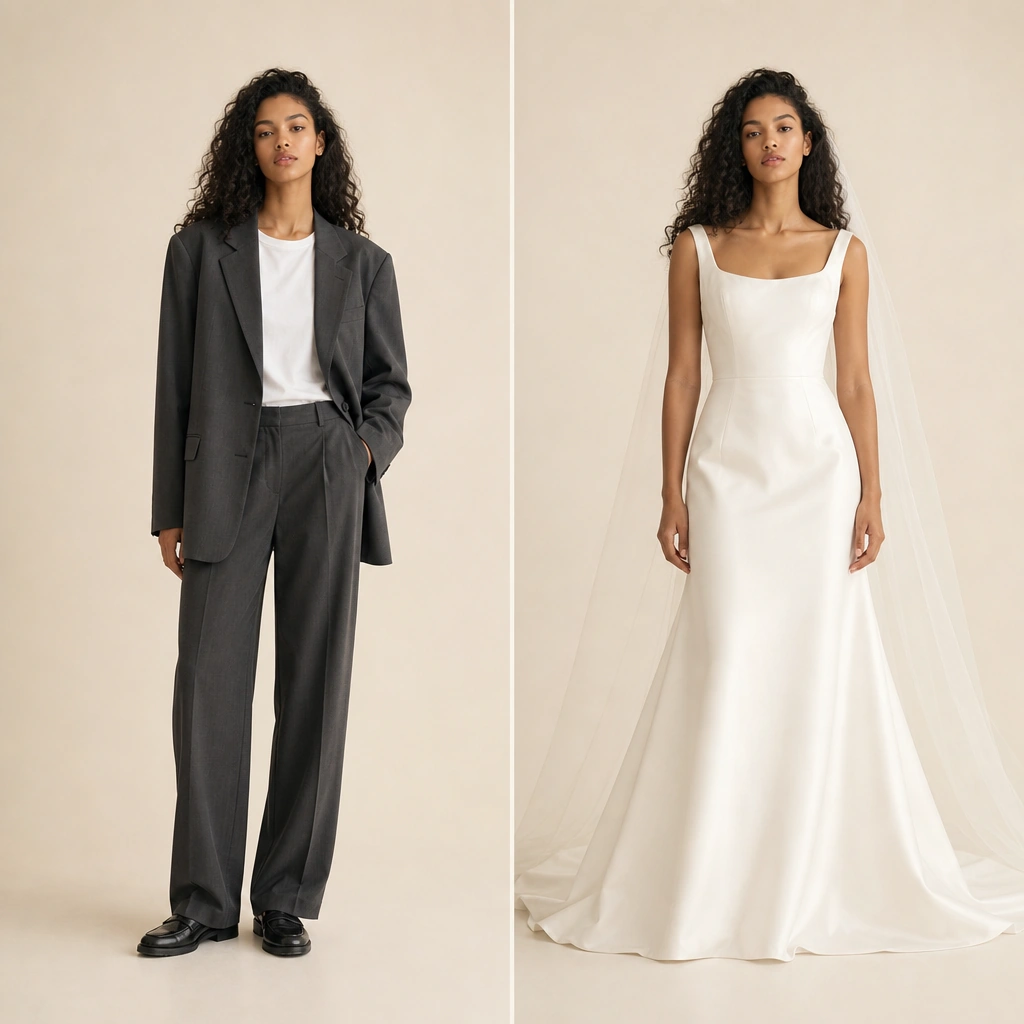
Wardrobe fit you can see
Length, drape, and proportion on your actual frame beat abstract size charts when you are on the fence about a purchase.
Upload your photo, add a garment, and preview fit with a free virtual try on—seconds in your browser.
Images leave your device only when you start a job. Processing runs on Crun.
Saved results stay in this browser only and clear after 24 hours.
Nothing saved yet—your try-on previews will show up here.
Brands use GetFaceSwap to turn flat-lays into worn shots; shoppers use our virtual try on to sanity-check fit before buying. The free AI virtual try on workflow stays in one tab: presets or your own garment upload, a live preview panel, and HD download when you are happy. This online virtual try on experience maps garment references onto your photo while keeping pose and background—ideal for a quick outfit preview without a studio day. Pair with our AI clothes swap for full-outfit replacement, or photo face swap for consistent identity across models.
The try-on engine studies posture and garment geometry, keeping folds, contact shadows, and fabric texture from your reference photo instead of flattening everything into a sticker. That is what makes an on-body preview look wearable in a feed or product gallery.
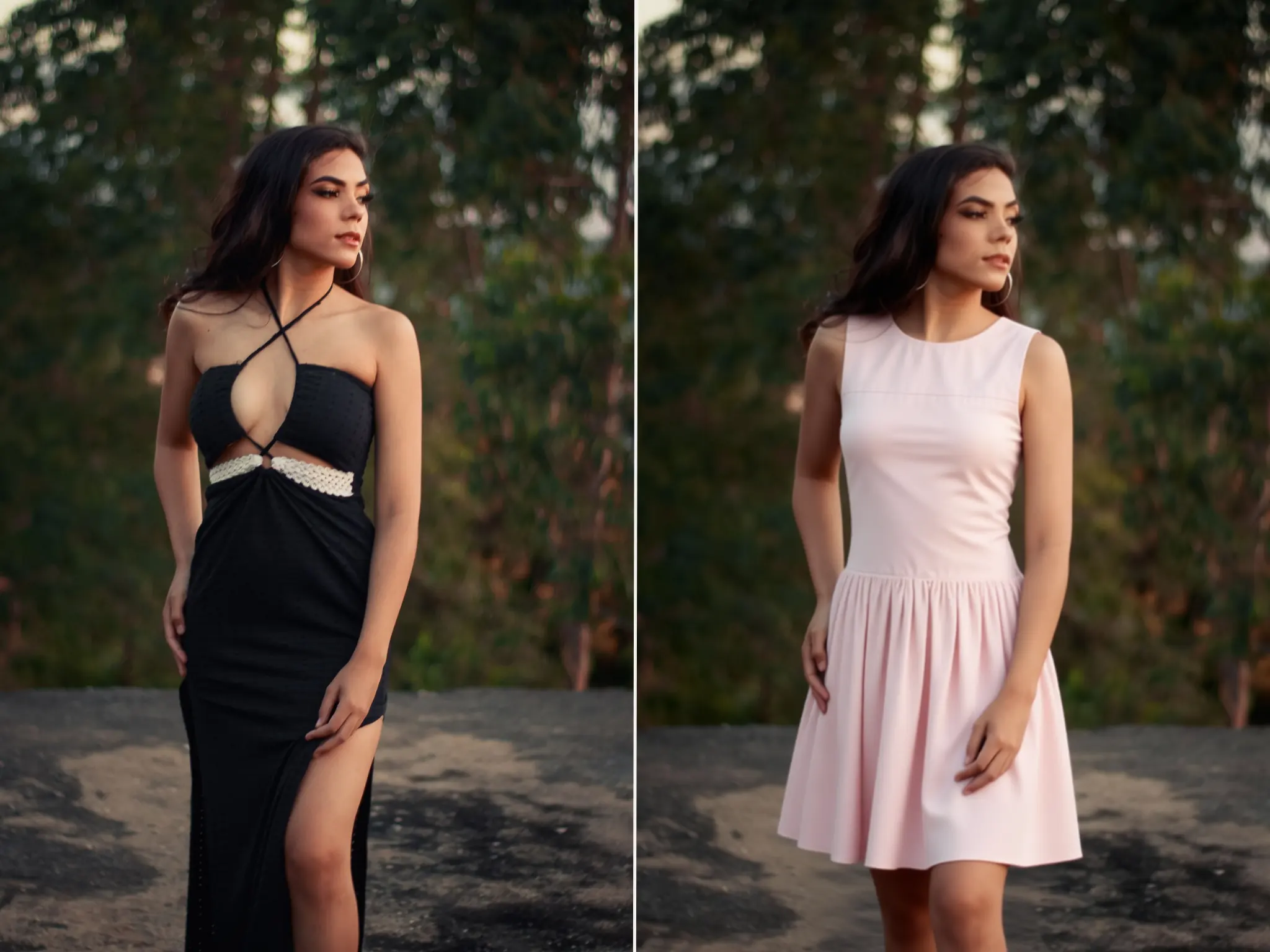
Reuse the same model frame for a catalog so shoppers compare silhouettes apples-to-apples. Combine with our photo face swap when you need matching faces across shots or campaign variants.
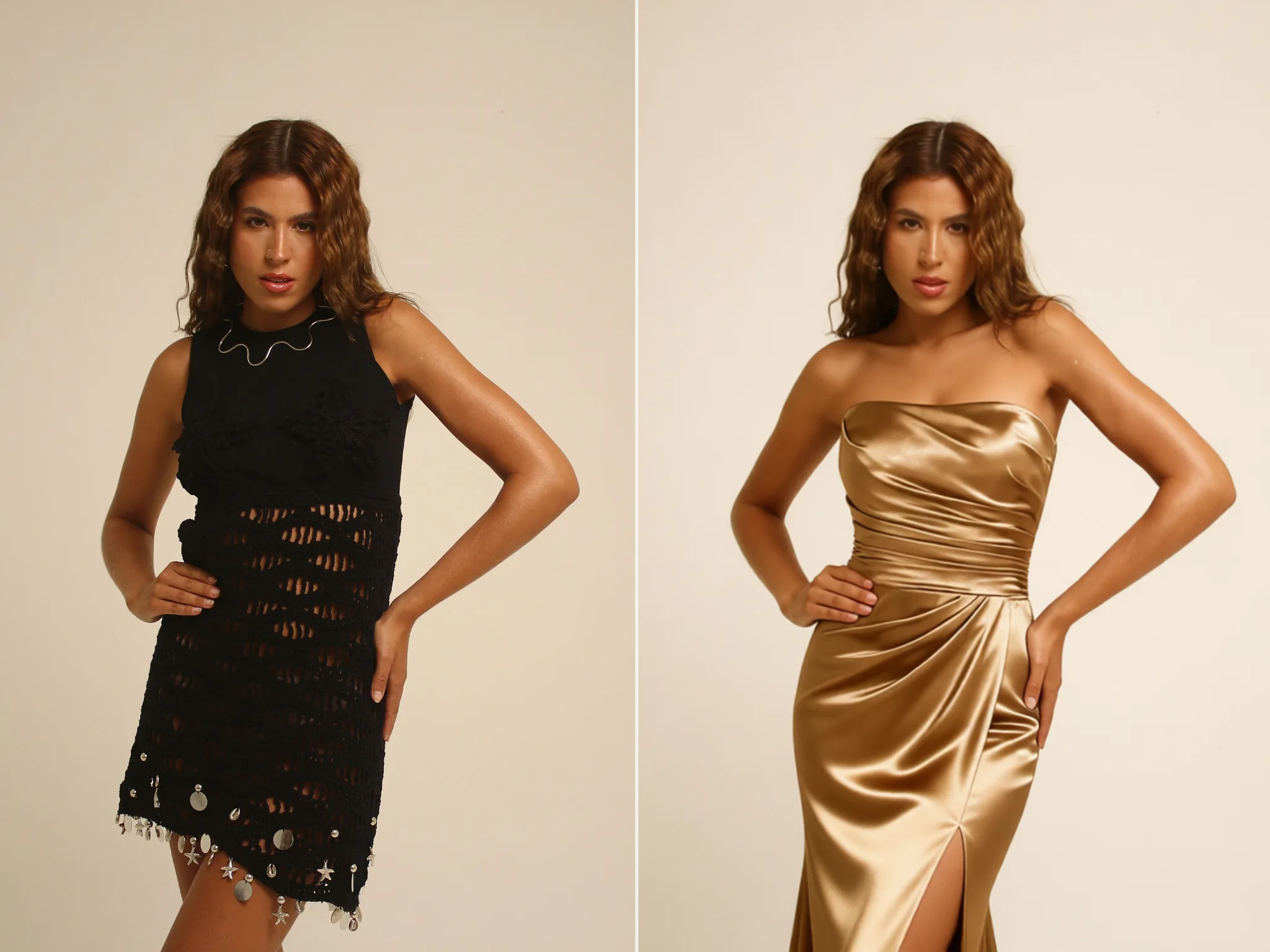
Only clothing pixels update—your set, stance, and expression stay as captured. That matters when the location or lighting already sells the story and you only need a wardrobe swap.
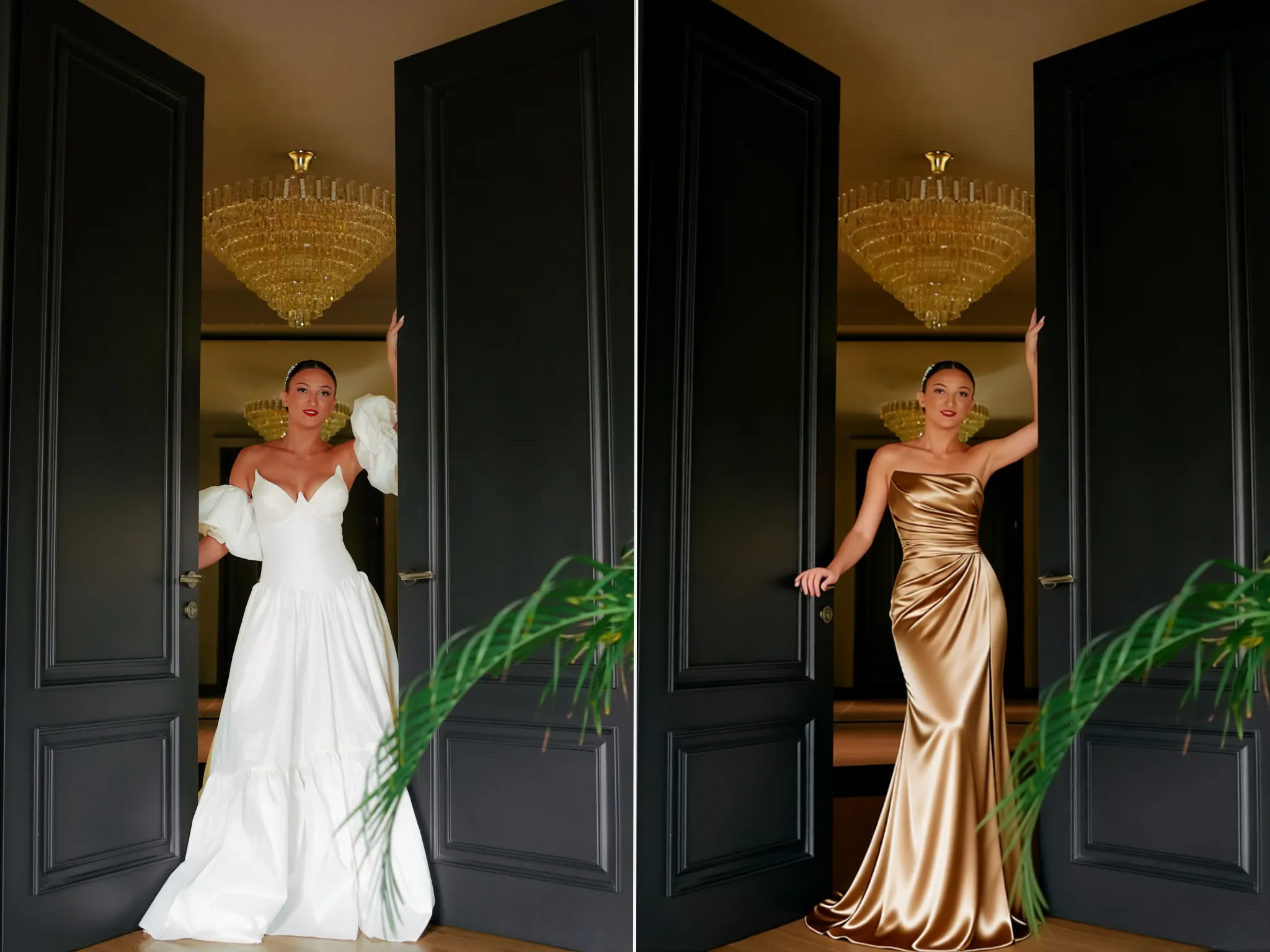
Replace a coordinated look in one generation instead of stacking manual edits in an external editor. Sleeves, hems, and shoes move together so proportions stay believable.
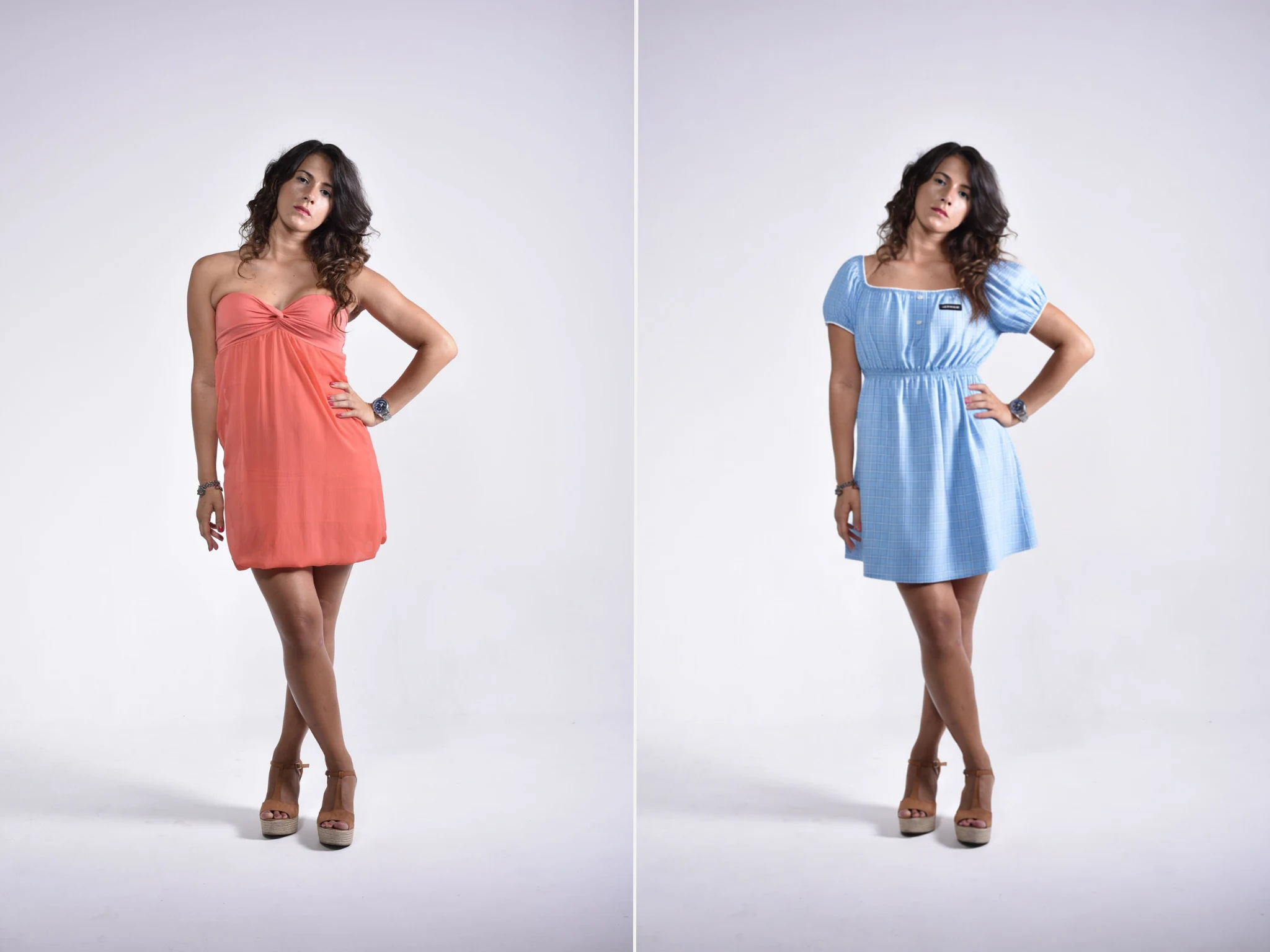
Built for quick try-on checks—not a full 3D fitting room, but fast enough for daily merchandising and personal shopping decisions.
Length, drape, and proportion on your actual frame beat abstract size charts when you are on the fence about a purchase.
Open the page on laptop or phone, use your free daily allowance, and download watermark-free HD when the preview looks right.
Supplier PNGs and white-back product shots are first-class inputs, which is how most catalogs already store inventory art.
Uploads are used to render your preview; we do not resell your photos or run a social feed on your results.
Three steps for a GetFaceSwap virtual try on: see how a garment reads on your body photo. Each control in the workspace above maps to one of these steps—no hidden settings panel.
Pick a clear, front-facing full-body image with room around the torso and legs. Even lighting and a straight stance give the cleanest neckline and hem placement.
Use a preset or upload flat-lay, hanger, or mannequin shots—white or transparent backgrounds help most. One strong reference beats a busy collage.
Start the job, check drape and lighting in the preview, then save the HD file. Recent previews also land in My Creation for the rest of the day in this browser.
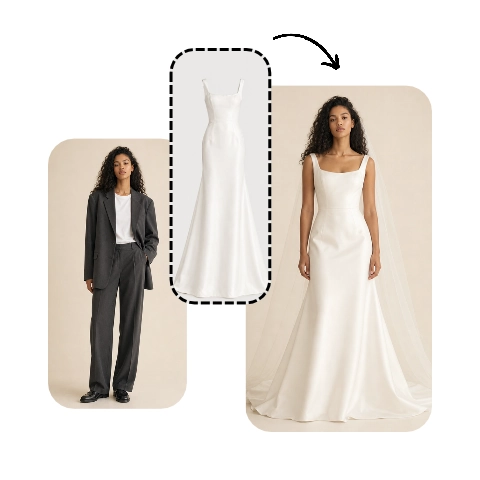
GetFaceSwap aligns each garment reference with the person in your photo, then composites a new frame that respects pose, light, and occlusion.
Clearer model photos and cleaner garment references help every preview land cleanly—more than rerunning the same blurry inputs.
Treat inputs like product photography: sharp, evenly lit, and uncluttered. These four habits fix most “floating fabric” issues before you touch presets.
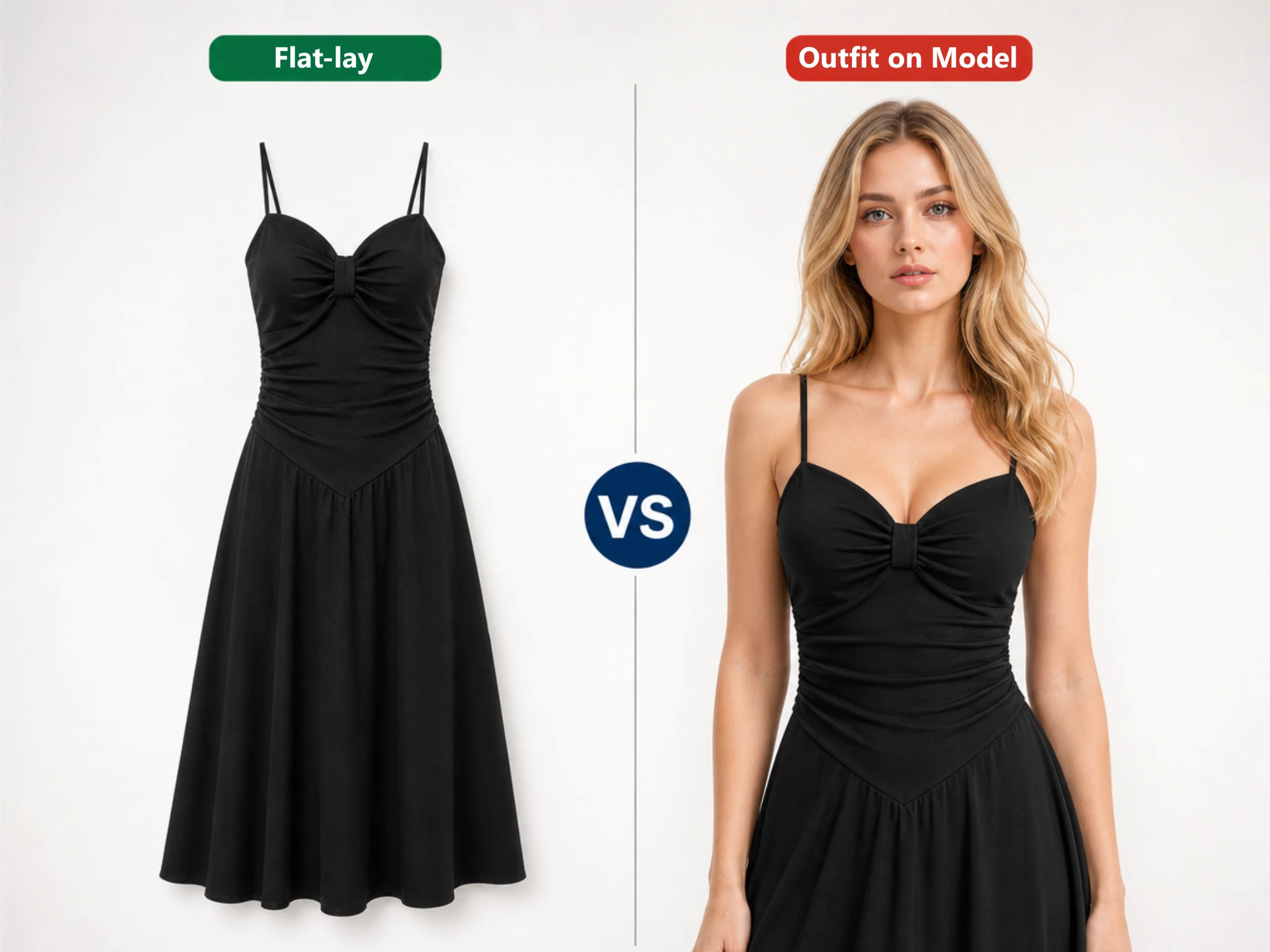
PNG cut-outs or white-back product shots parse most reliably; busy patterns need higher resolution.
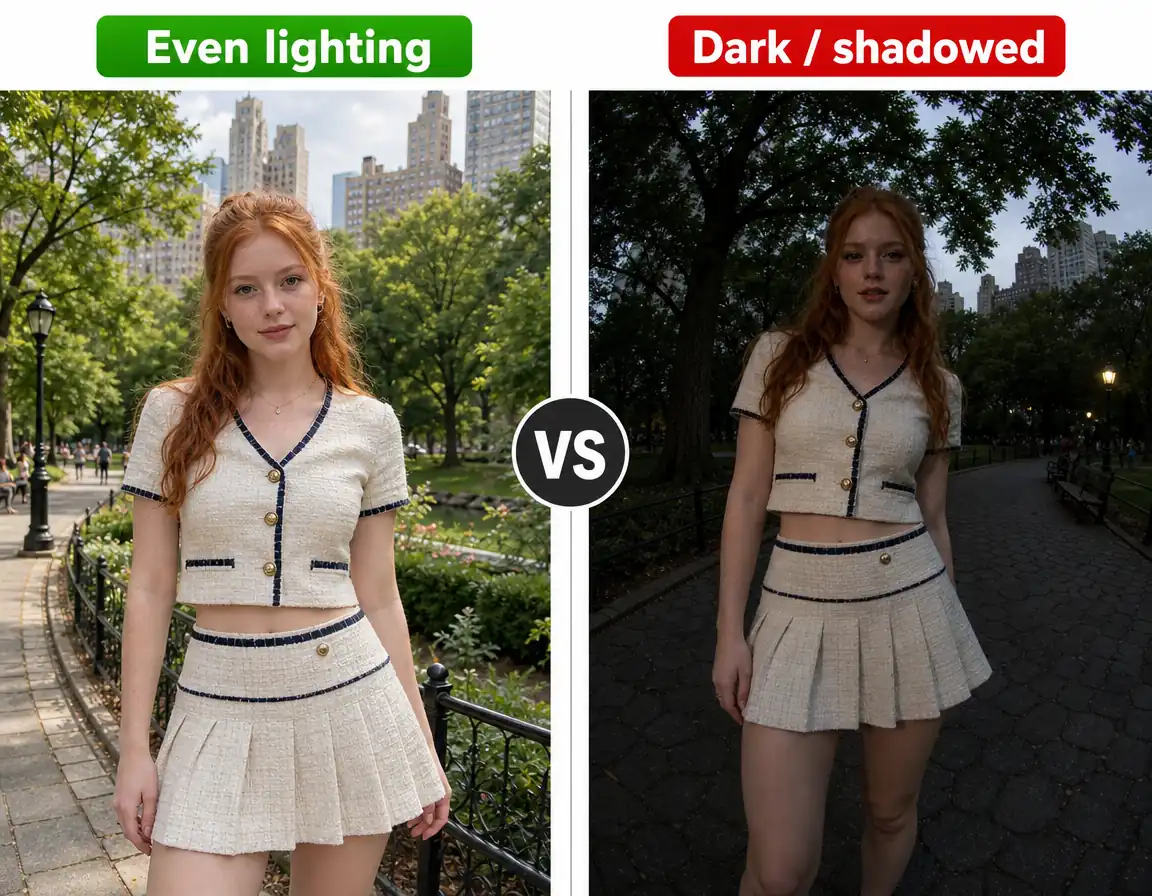
Avoid heavy blur, strong backlight, or props covering the torso where the garment needs to sit.
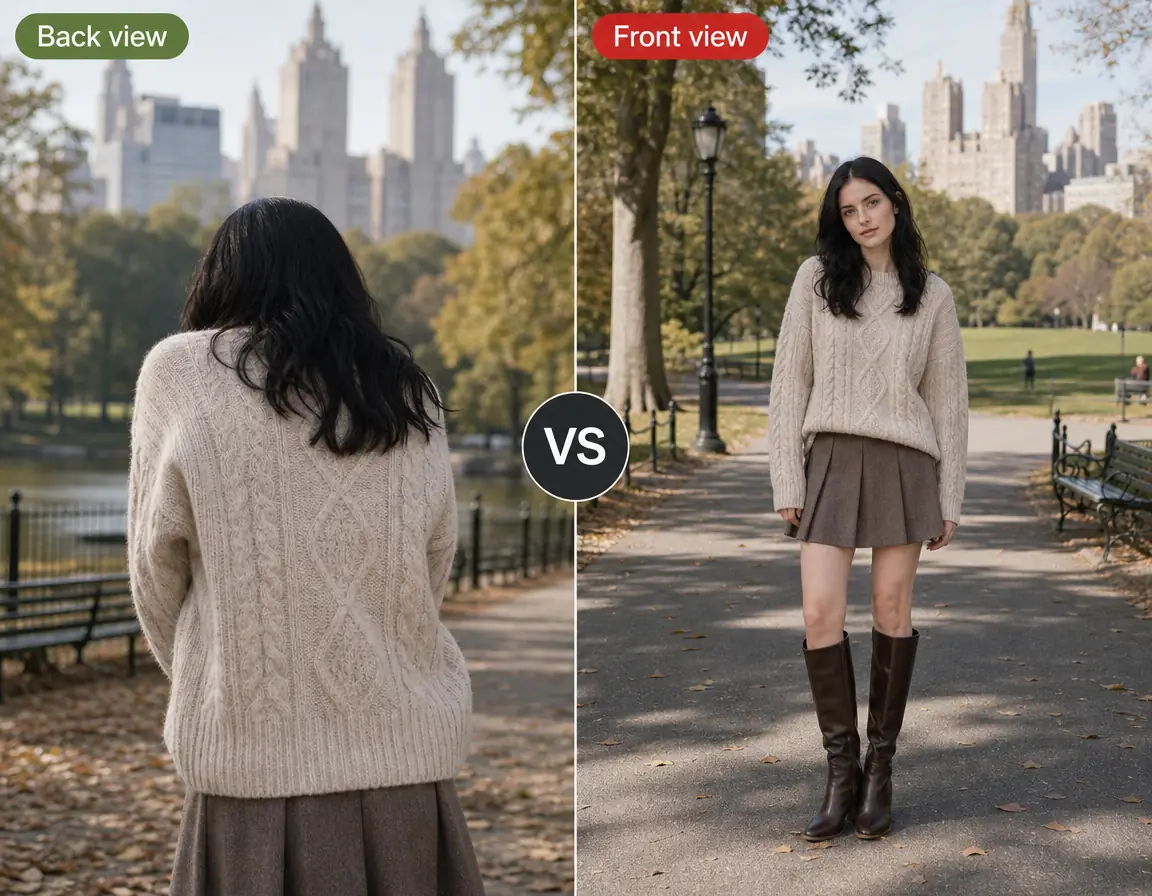
Frontal poses improve neckline and seam placement compared with extreme three-quarter turns.
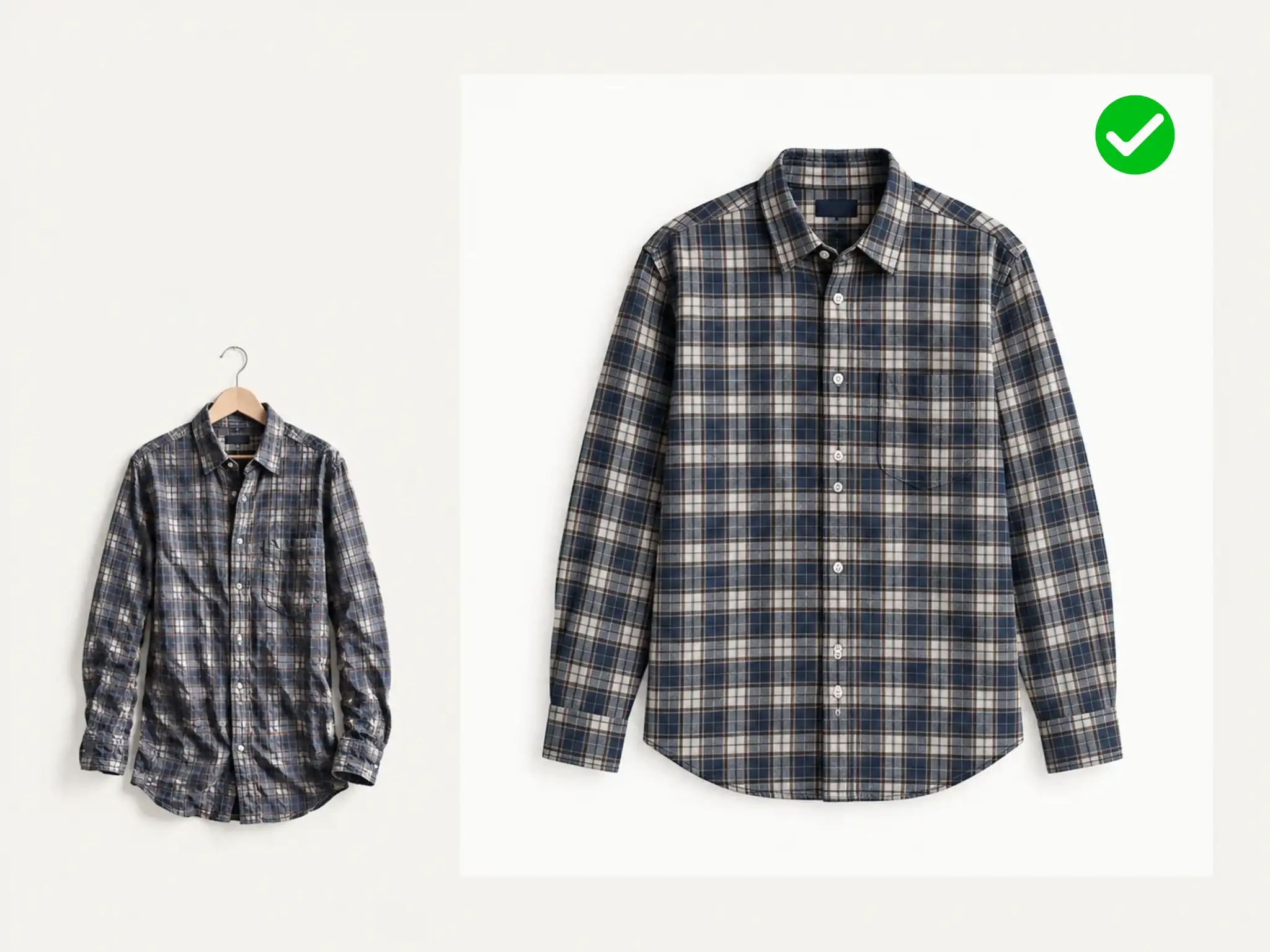
Deep creases in the upload may copy into the preview—steam or retouch the flat-lay first.
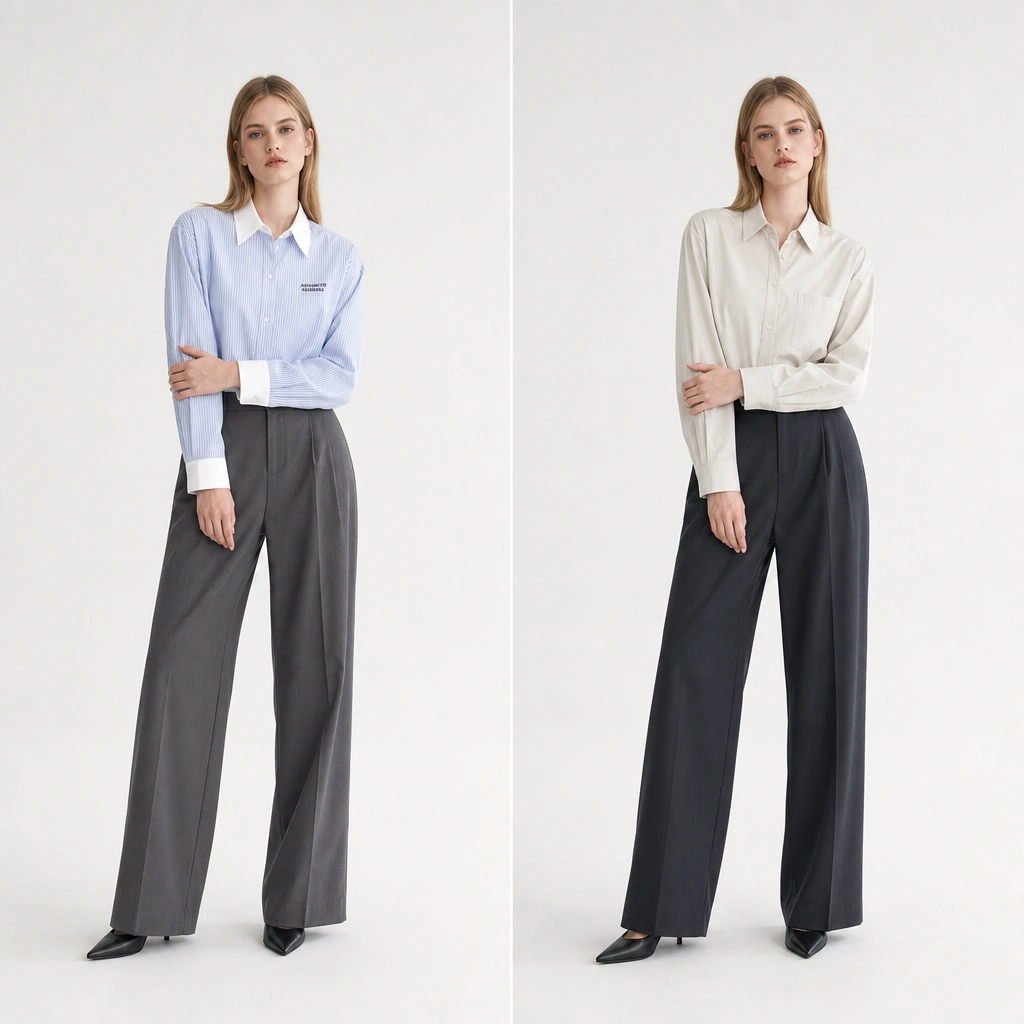
Skip a studio day by rendering supplier images on your model photo while keeping SKU art consistent.
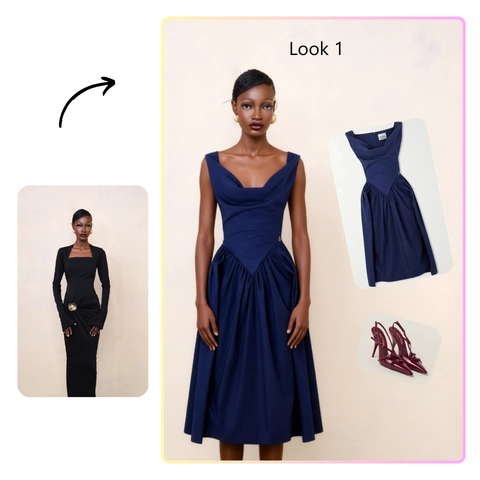
Test colorways on a fit model before sampling fabric or cutting multiple sizes.
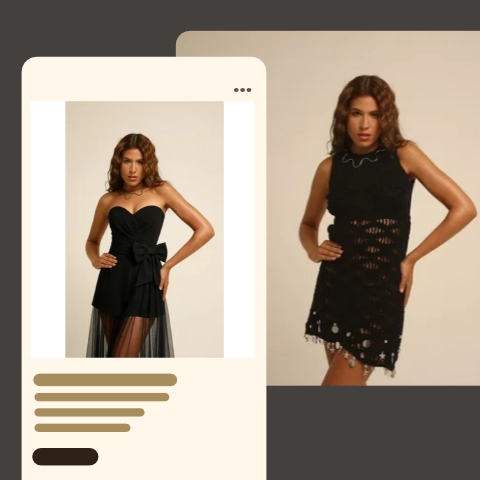
Expand one product photo into multiple worn views for listings that reward lifestyle imagery.
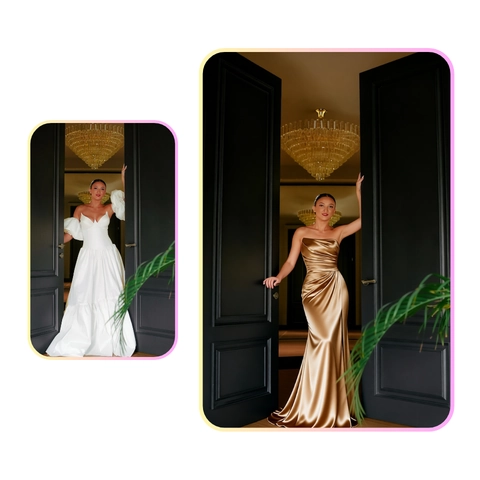
Show one SKU on different bodies while keeping brand framing and aspect ratio stable.
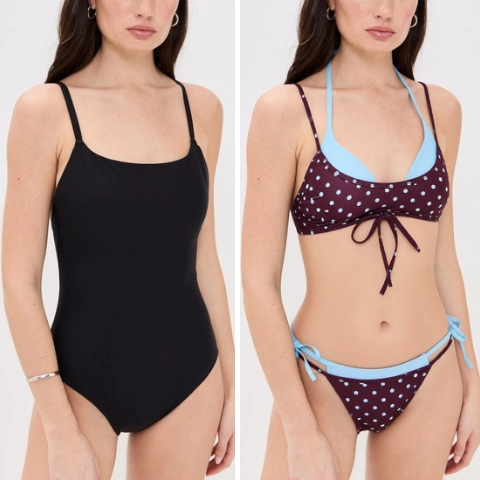
Even light plus a straight full-body pose gives the clearest swimwear preview before you pack for a trip.
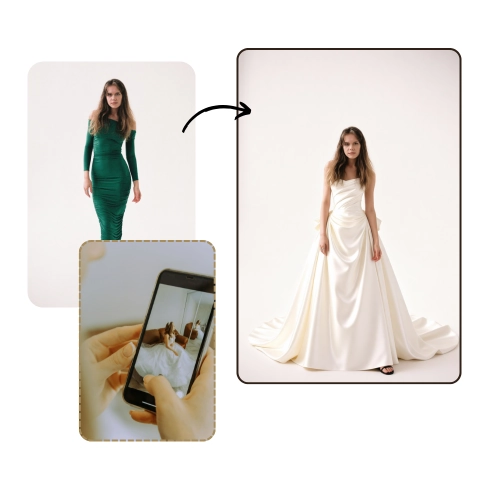
Pair a flat gown photo with a front-facing bride portrait before fittings or alterations.
Shoppers, brands, and studios describing how they preview garments in-browser. Quotes reflect common support themes rather than paid endorsements.

Neckline tests on my own photo made checkout feel less risky.

We batch flat-lays onto one model instead of blocking studio time.
Colorway previews on the fit model save sample rounds.

Supplier PNGs become worn photos without extra inventory.
One garment fuels a week of posts—no reshoot loop.

Clients visualize gowns on themselves before the first appointment.
A virtual try on overlays a garment from your reference onto a person photo while preserving pose, face, light, and background—an automated outfit preview, not a tailor’s measurement.
It shows proportion and drape on that frame—always confirm sizes with the retailer’s chart before you buy.
JPG, PNG, and WebP. Long edge at 512 px or higher shows finer fabric detail; very small thumbs can look soft at the hem.
Downloads are watermark-free HD; use them where your licenses and platform rules allow.
Yes—white or transparent backgrounds usually produce the cleanest wardrobe preview from catalog art.
Files are processed for your job. The My Creation strip keeps local thumbnails for one day in this browser only.
Scroll to the workspace, add your photo and garment, and preview the look in HD on today’s free tier.
Open try-on workspace